minikino24
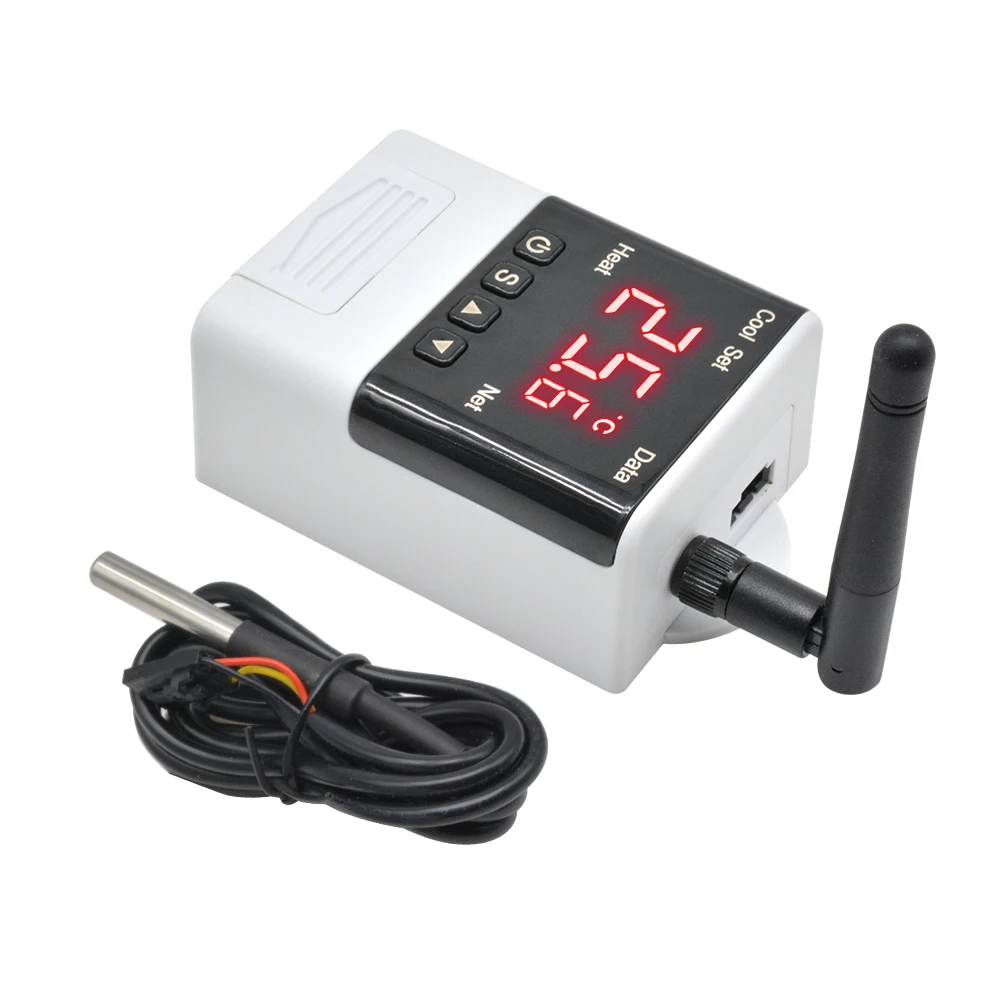
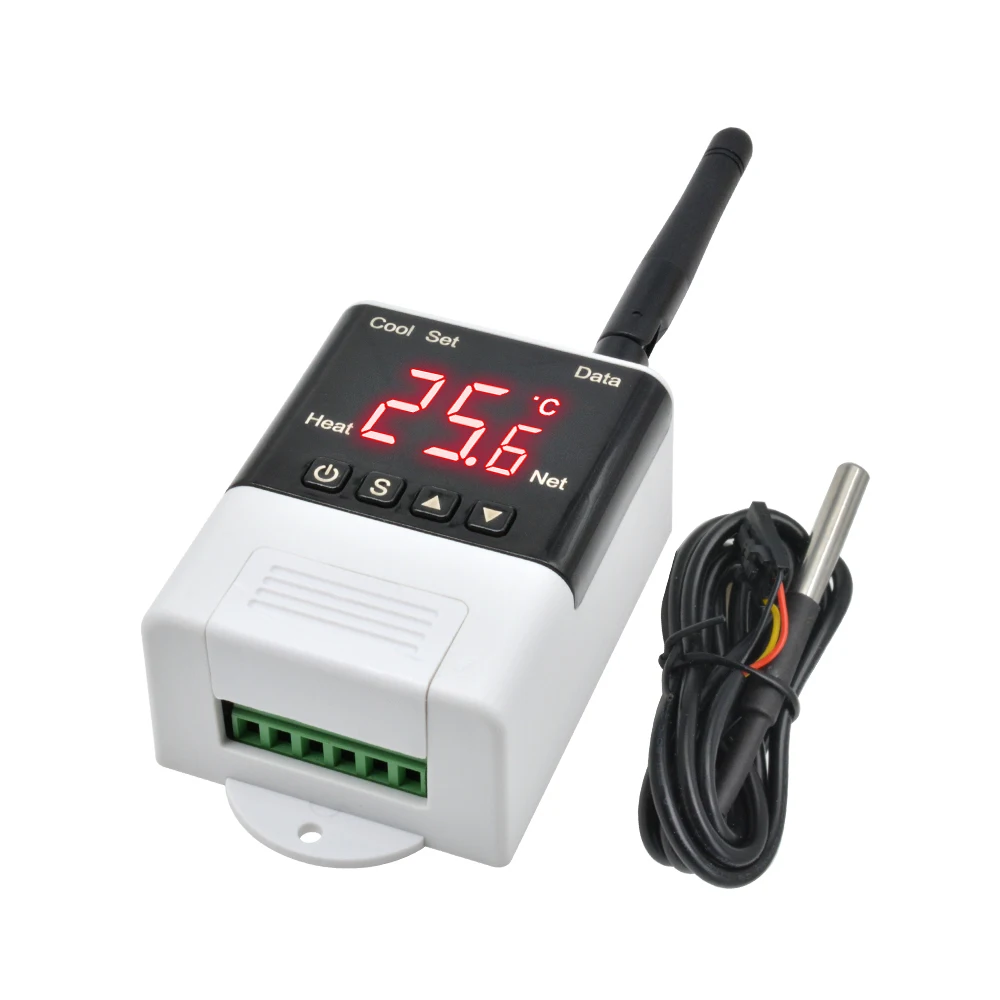
Smart Wifi Thermostat Humdistat AC 110V 220V Digital Temperature Humidity Controller Incubator Heating Cooling Thermoregulator
SPECIFICATIONS
Battery Included: No
Brand Name: Dmyond
Cable Length: 1m
Certification: CE
Display Size: 1.9 Inches & Under
Feature: digital led temperature controller thermo
High-concerned chemical: None
Is Smart Device: Yes
Max Measuring Temperature: 70°C- 99°C
Module Number: DTC1200/3200/2200/2210/1110/1100
Number: dtc1110 DTC1200 DTC3200 DTC2200 DTC2210 DTC1110 DTC1100 Thermostat
Origin: Mainland China
Output capacity: cooling (10A / 250VAC) heating (10A / 250VAC)
Sensor line length: 100cm
Supply voltage: AC110~230V
Temperature range: : -40 to 99 Celsius
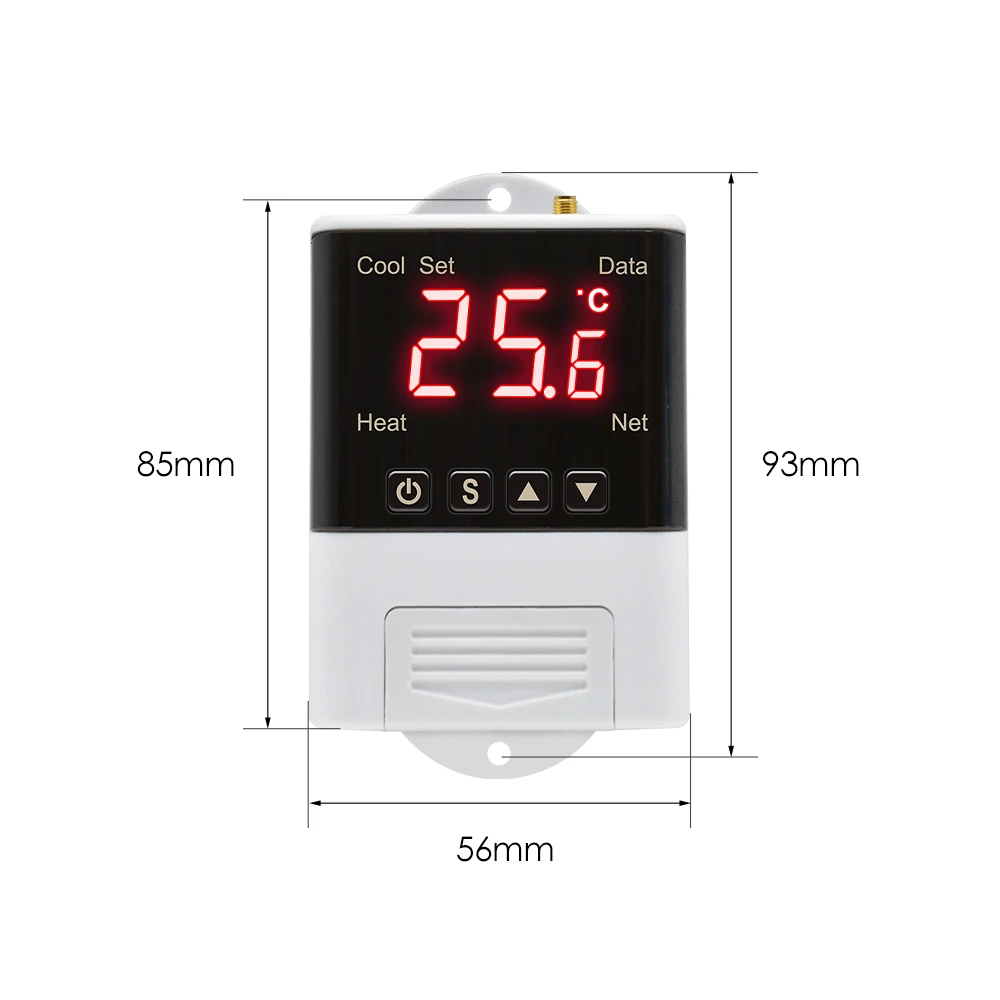
Thermostat size: 93mm * 56mm * 34mm
Use: Indoor
item: microcomputer temperature controller
item 1: aquarium temperature controller
item 2: replace stc 1000 temperature controller
item 3: 220v digital led temperature controller 10a
item 4: digital led temperature controller 10a thermoter
item 5: DTC1200 Thermostat
number 2: 110V 220V LED Digital Thermostat Temperature Controller take STC-1000
AC 110V 220V Digital Temperature Controller DTC1200 Thermostat Thermoregulator Sensor Meter For Incubator Cooling Heating Fridge
Package Include:
Type 1
1 x DTC1200 Intellligent Temperature Controller
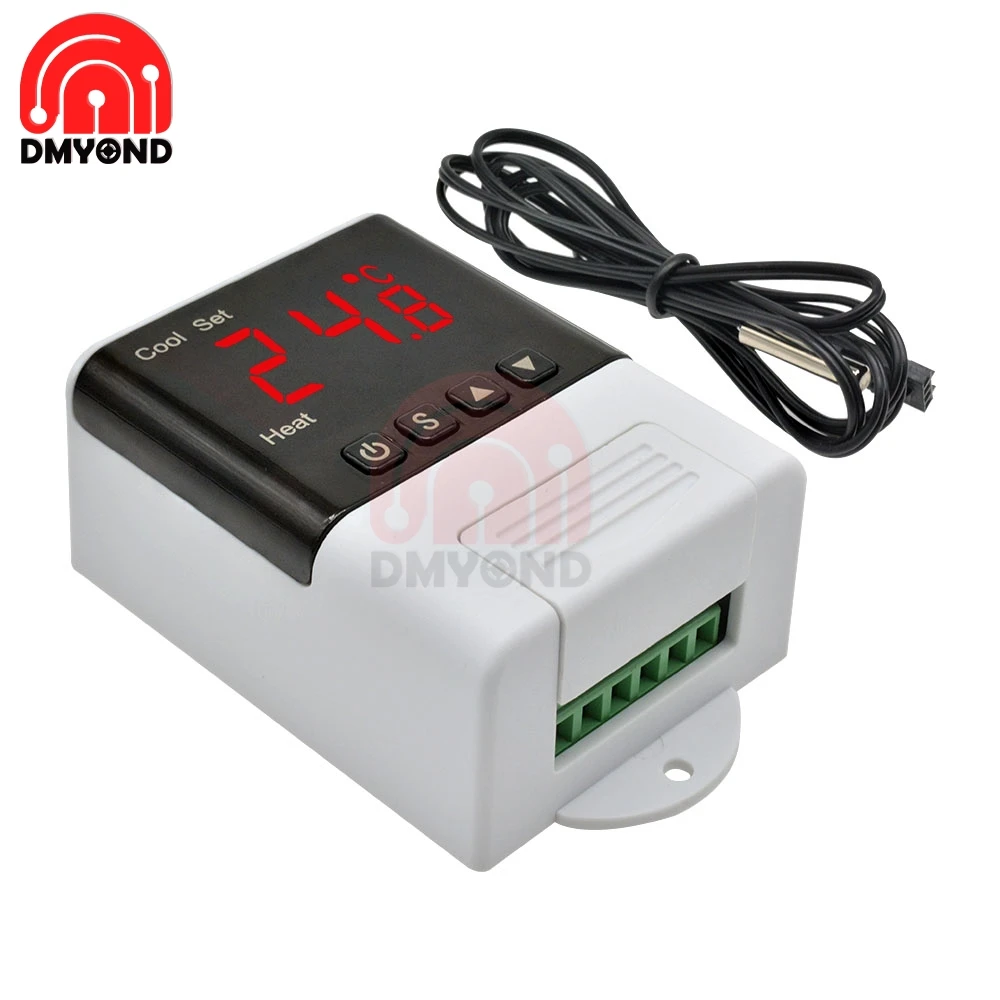
1 x NTC 10K B3950 Temperature sensor
Type 2
1 x DTC1100 Intellligent Temperature Controller
1 x NTC 10K B3950 Temperature sensor
Type 3
1 x DTC2200 Intellligent Temperature Controller
1 x DS18B20 Temperature sensor
Type 4
1 x DTC1110 Intellligent Temperature Controller
1 x NTC 10K B3950 Temperature sensor
Type 5
1 x DTC2210 Intellligent Temperature Controller
1 x DS18B20 Temperature sensor
Type 6
1 x DTC3200 Intellligent Temperature Humidity Controller
1 x SHT20 Temperature sensor
Type 7
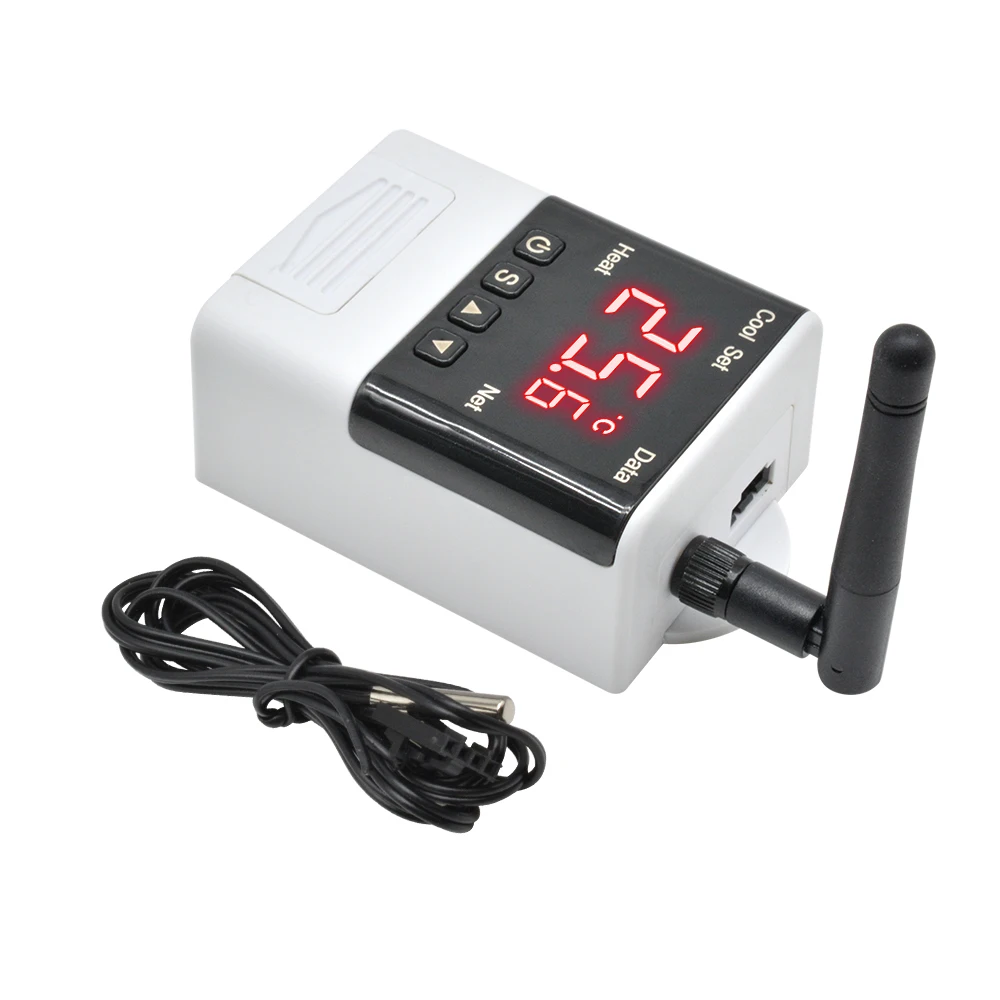
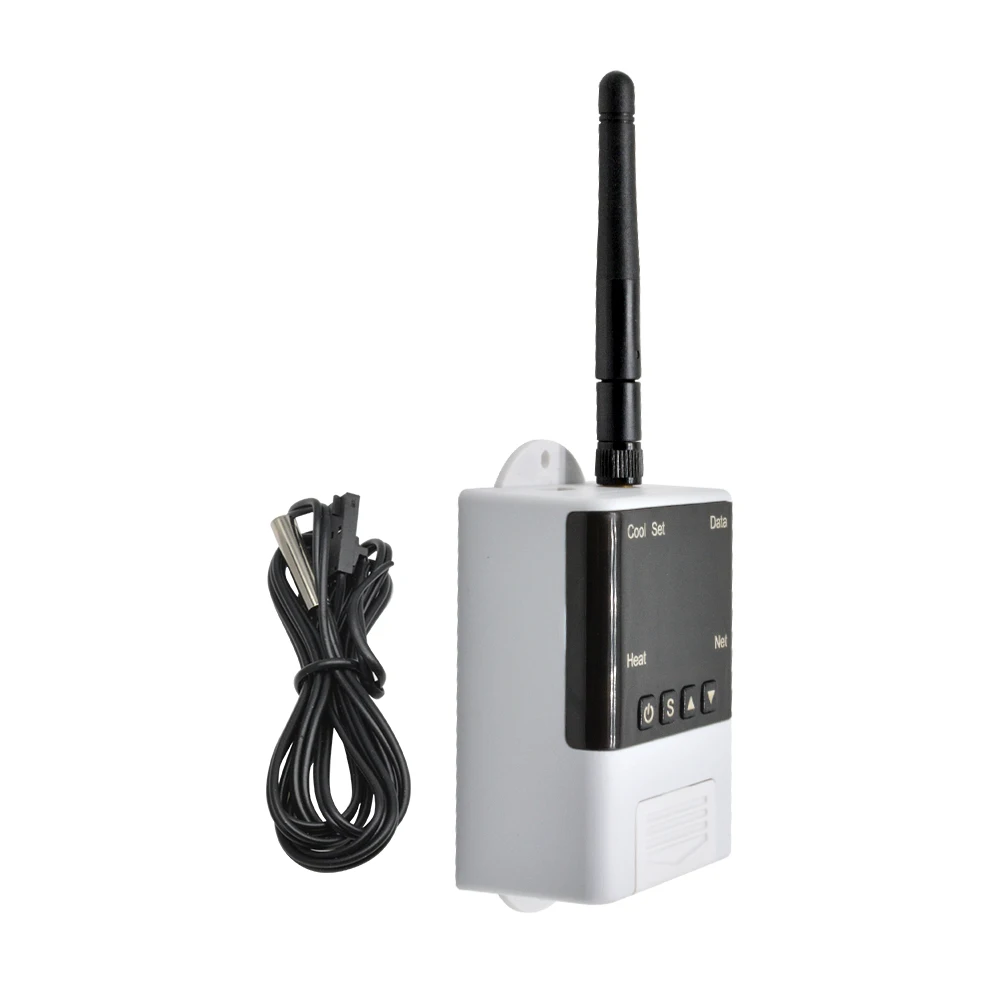
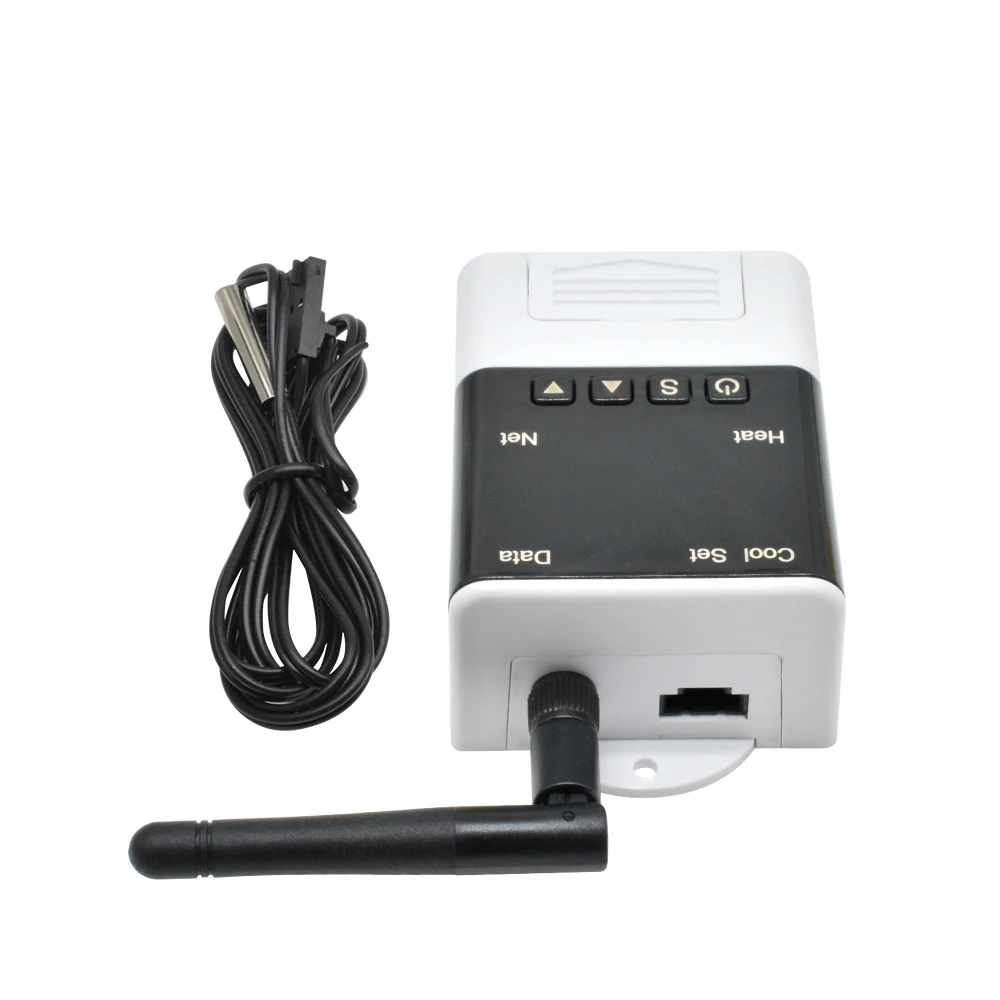
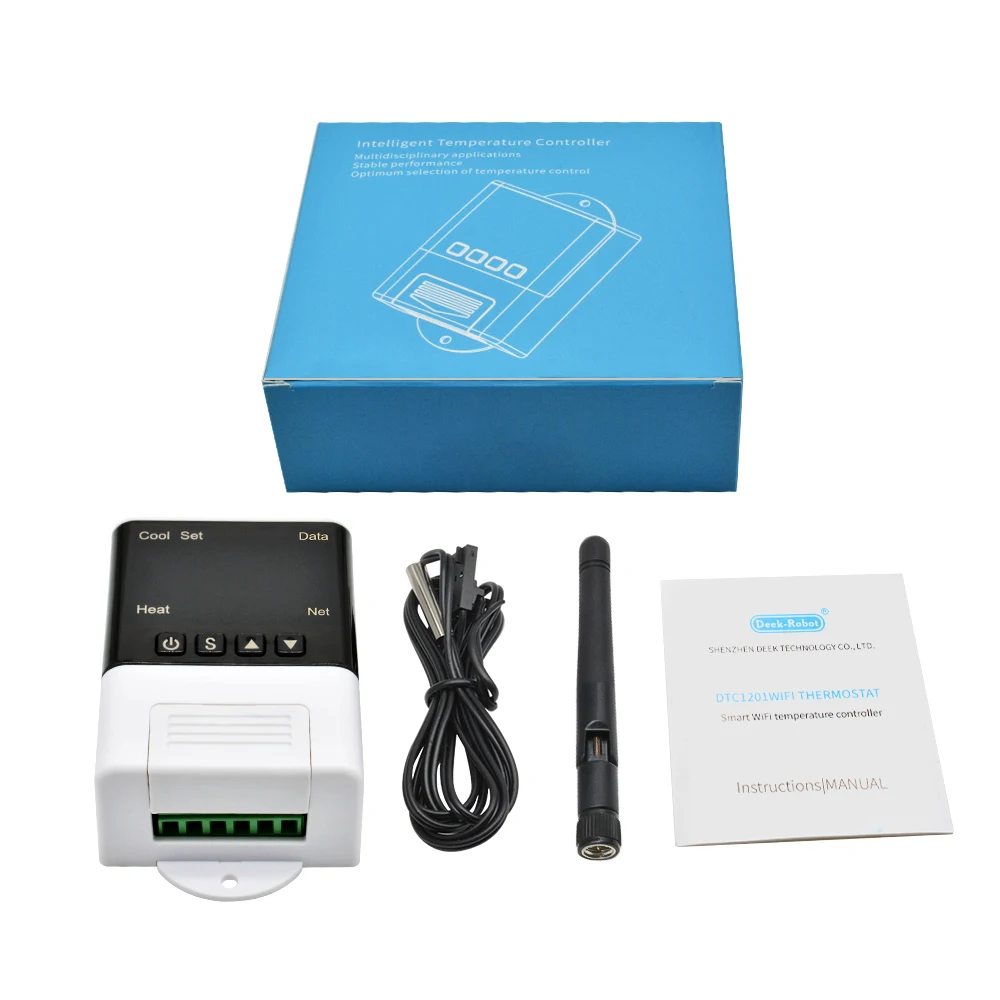
1 x DTC1201 WIFI Intellligent Temperature Controller
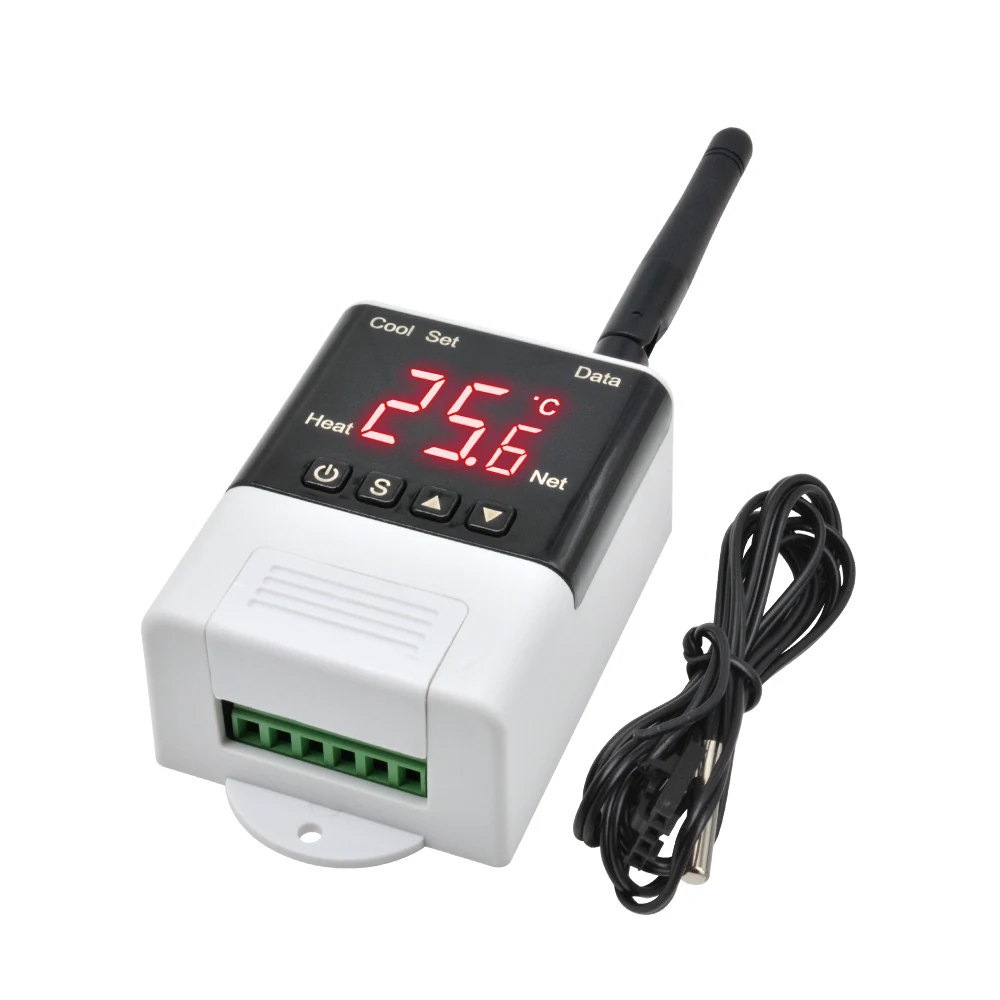
1 x NTC 10K B3950 Temperature sensor
1 x WIFI Antenna
1 x User Manual
Type 8
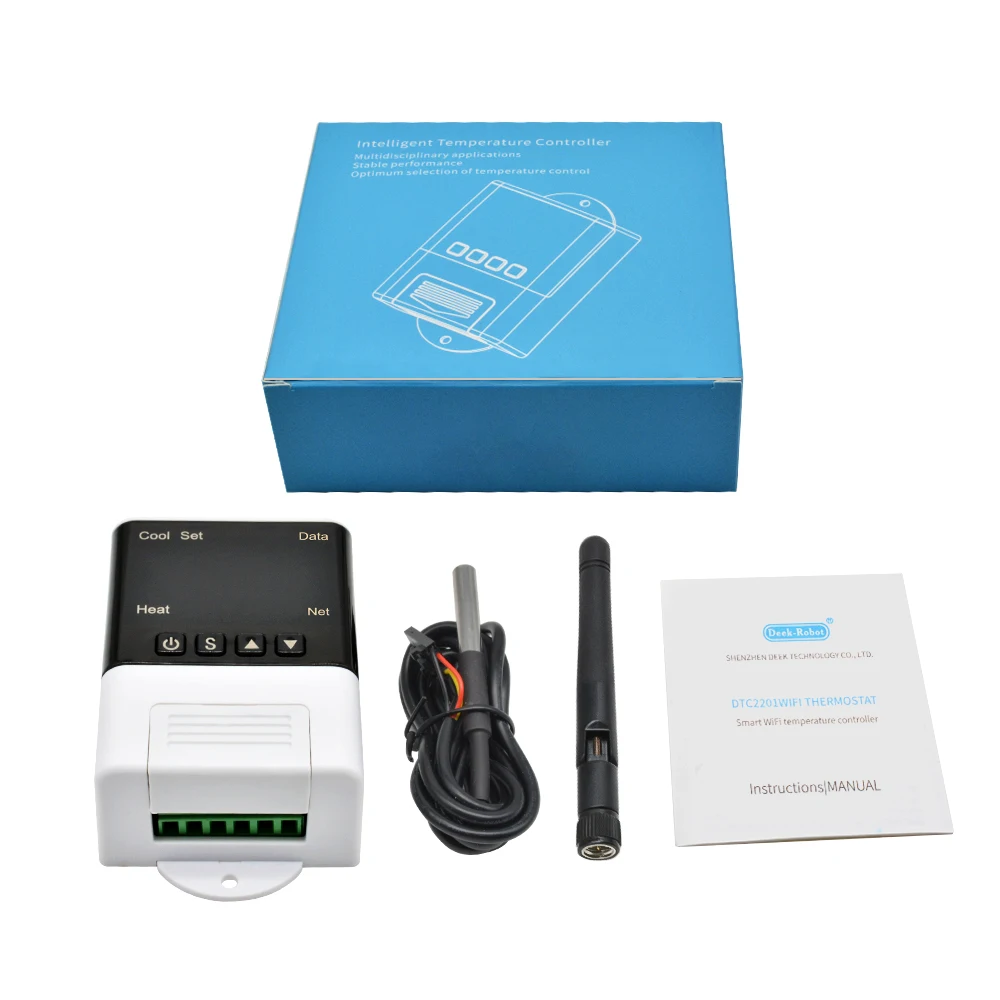
1 x DTC2201 WIFI Intellligent Temperature Controller
1 x DS18B20 Temperature sensor
1 x WIFI Antenna
1 x User Manual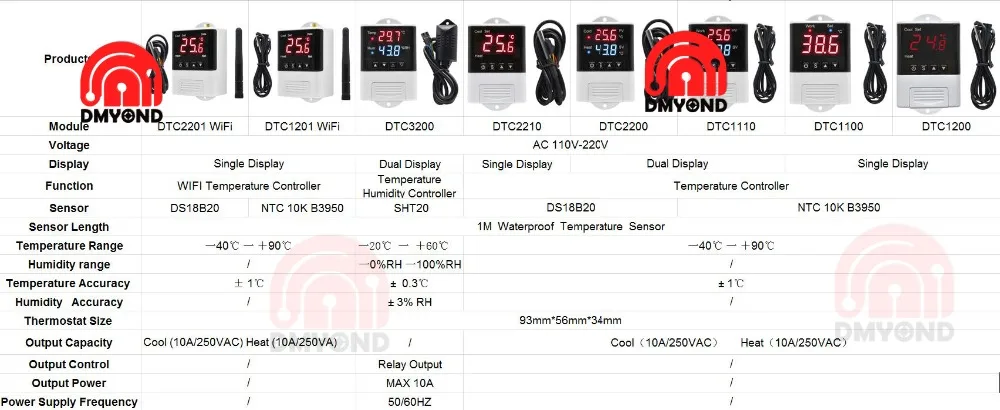

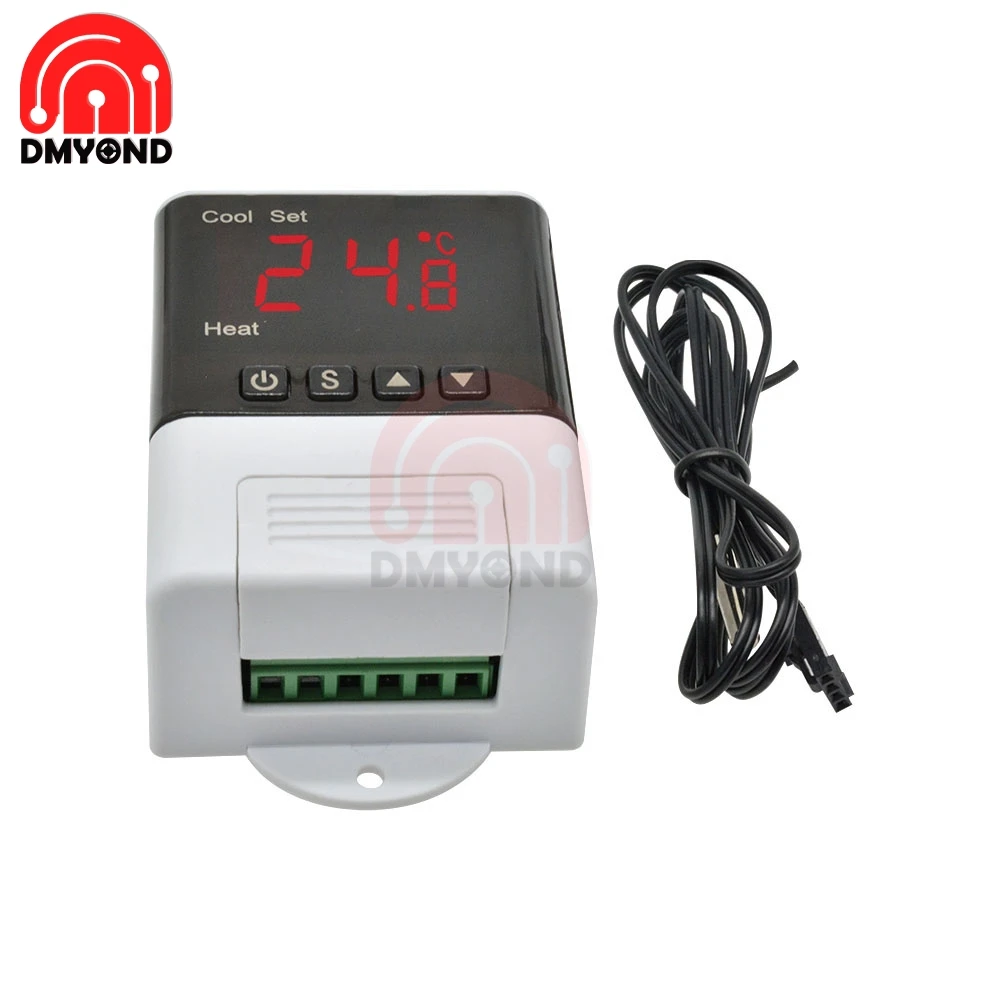
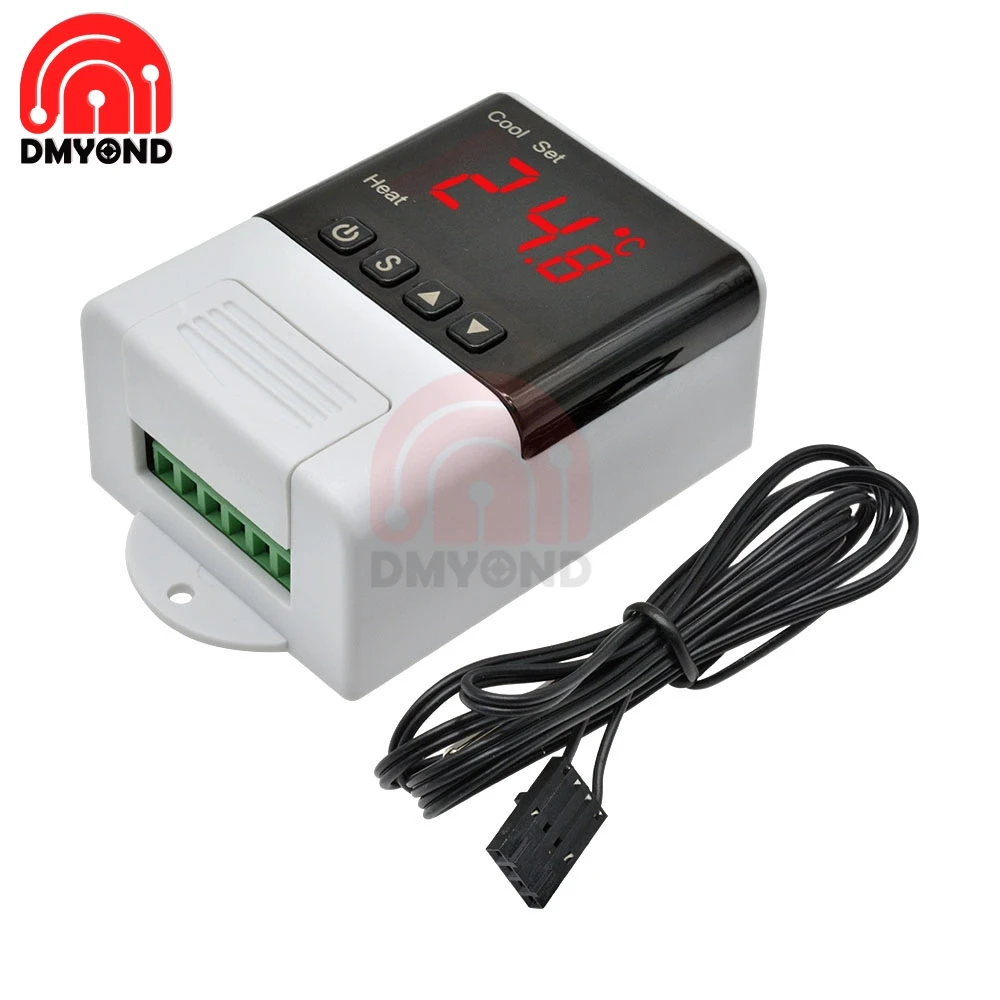
DTC1200
Description:
Product Name: Thermostat
Product model: DTC1200
Supply voltage: AC110~230V
Temperature range: -40°C~+99°C
Temperature measurement accuracy: ±1 °C (-40 °C ~ +70 °C)
Sensor line length: 100cm
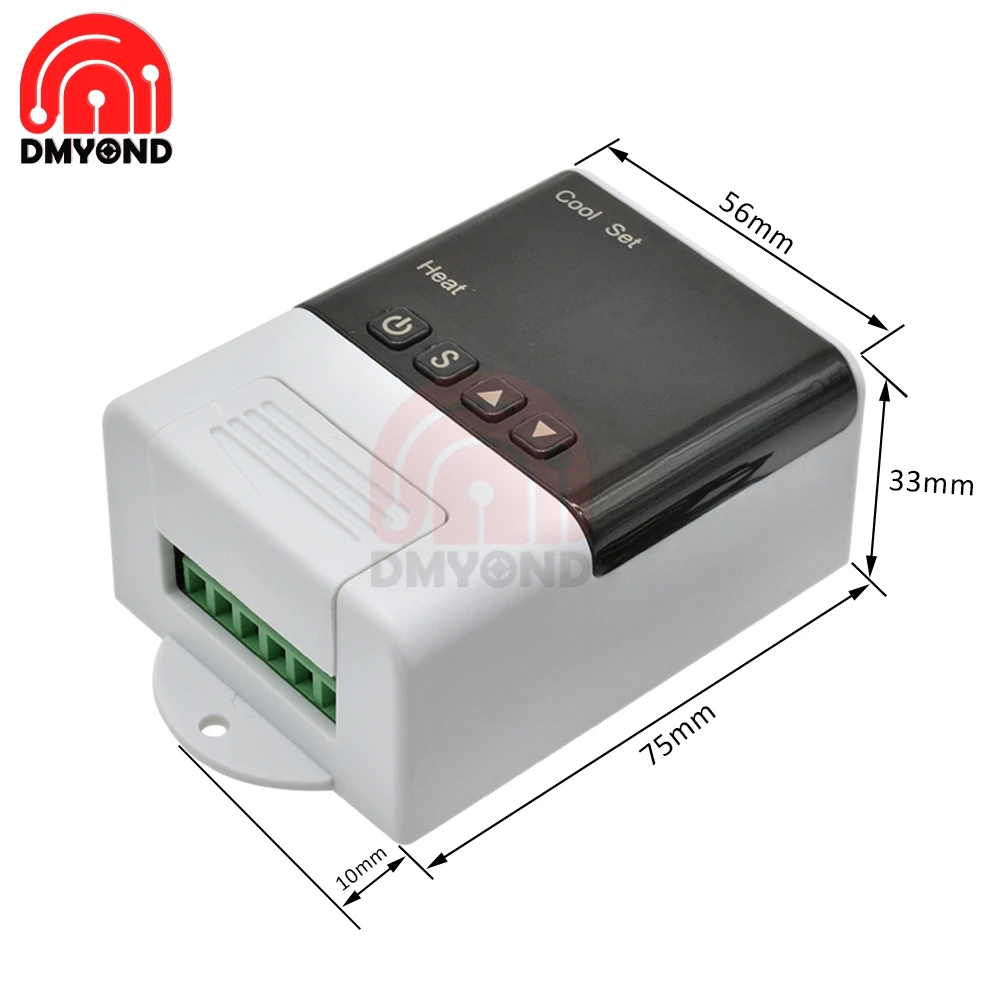
Thermostat size: 93mm*56mm*34mm
Output capacity: cooling (compressor 3A) heating (10A/250VAC)
View parameter methods:
When the thermostat is working normally, press and release the key once to display the temperature setting value; press and release the key once to display the temperature difference setting value. After 3 seconds, the temperature returns to the normal display state.
Set the parameter method:
When the thermostat is working normally, press and hold the S button for more than 3 seconds to enter the modified parameter mode. The "Set" indicator lights up, the digital tube displays the code "F1" of the first menu item, and press the up or down button to increase or decrease the value. The code of the menu item, press S key to display the parameter setting value of the current menu, press and hold the S key, then press the up or down key to increase or decrease the parameter setting value of the current menu; press and hold the S key Do not hold, while long press the up or down button to quickly up or down and display the parameter settings of the current menu.
Press and hold the up and down keys at the same time to restore the parameters to the factory settings.
Operating instructions:
When the thermostat is working normally, press and hold the power button for more than 3 seconds to turn off the thermostat. When the thermostat is off, press and hold the power button for more than 3 seconds to open the thermostat.
When the thermostat is working normally, the digital tube displays the current temperature measurement value, and performs automatic recognition conversion of the cooling heating operation mode.
When the measured temperature ≥ temperature set value + temperature difference set value, enter the cooling state, the Cool indicator light is on, the cooling relay normally open contact is closed; the Cool indicator flashes, indicating that the cooling device is in the press delay protection state; when measuring the temperature ≤ temperature set value, the Cool indicator is off, and the normally open contact of the refrigeration relay is disconnected.
When the measured temperature ≤ temperature set value - temperature difference set value enters the heating state, the Heat indicator light is on, the heating relay normally open contact is closed; when the measured temperature ≥ temperature set value, the Heat indicator is off, the heating relay normally open contact disconnect.
Repair system data:
After the thermostat is powered on, first check whether the parameter settings are correct. If an error is detected, "Er" is displayed. Pressing any key will restore the default parameter settings and work normally. It is recommended to reset the parameters at this time.
System code, reason and action:
Sensor fault alarm: When the temperature probe loop is short-circuited or open-circuit fault, the thermostat starts the probe fault alarm mode, closes all execution states, and the digital tube displays "EE". After the fault is cleared, press any key to return to the normal working mode.
Over-temperature alarm: When the temperature measurement exceeds the temperature measurement range, the thermostat starts the over-temperature limit fault alarm mode, and all execution states are turned off. The digital tube displays "HH". When the temperature returns to the normal measurement range, press any key. Return to normal working mode.
Security rules:
1.Danger:
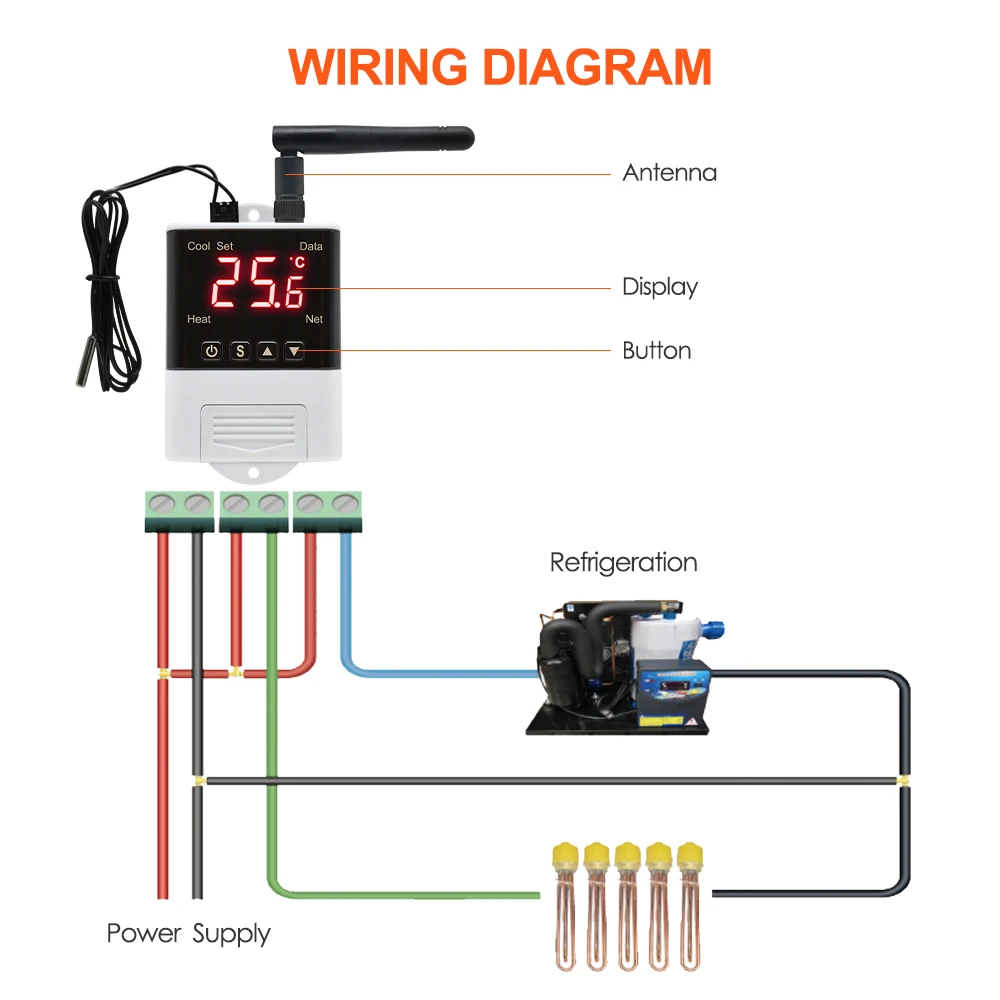
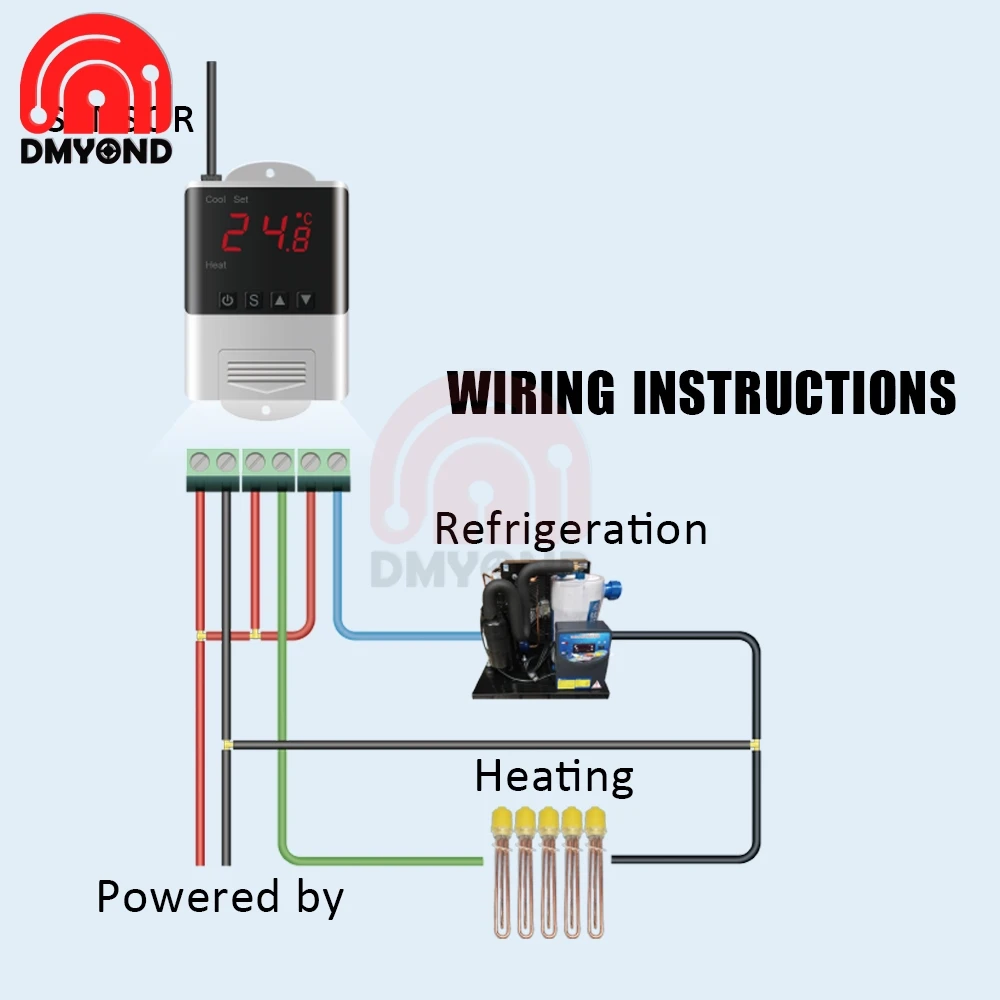
1. Strictly distinguish the sensor lead, power line and output relay interface, can not be connected incorrectly, the relay can not be overloaded;
2. All wiring changes must be made with the power off.
2.Warning:
1. This thermostat is forbidden to be used in water or excessively humid environment. It is forbidden to use in high temperature, strong electromagnetic interference and strong corrosive environment.
3.Note:
1. The power supply voltage should be consistent with the voltage marked by the temperature controller and ensure the stability of the power supply voltage;
2. To avoid possible interference, it is recommended that the sensor leads be kept at an appropriate distance from the power line.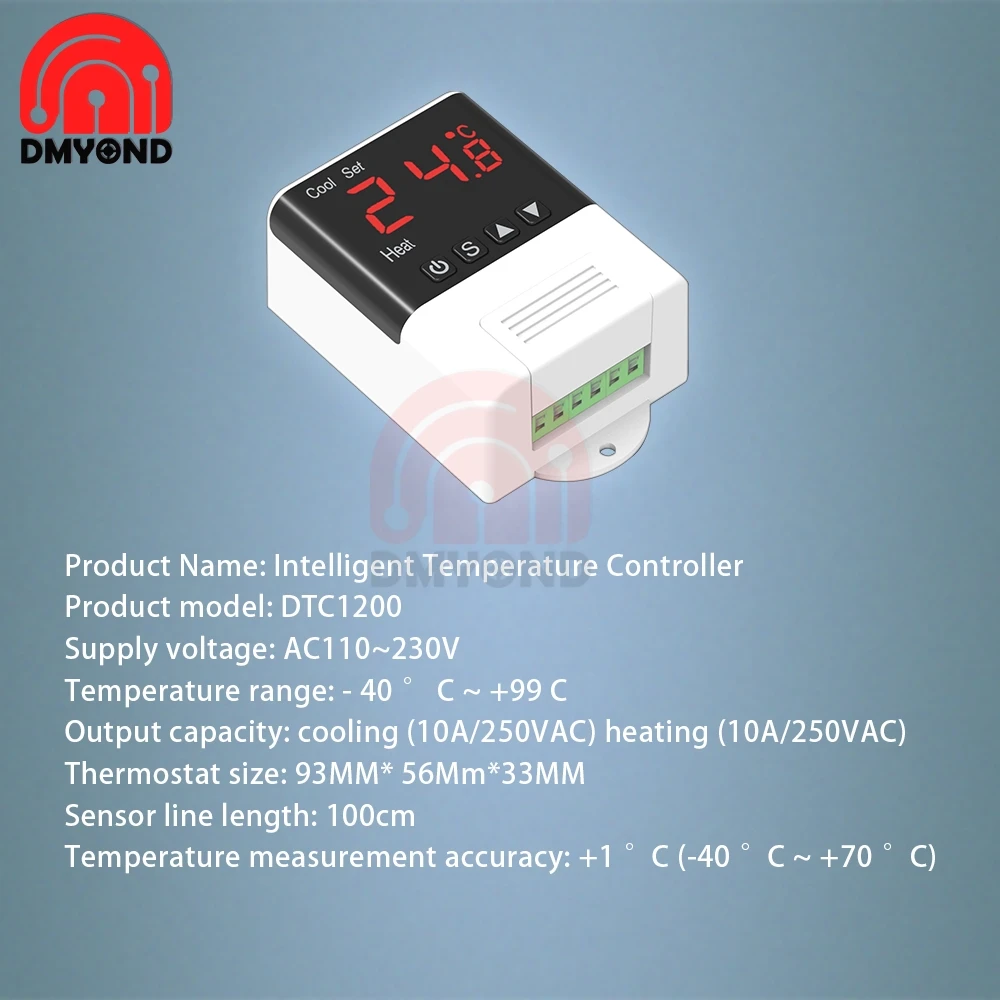

 DTC1100
Description:
Power supply voltage: AC110 ~ 220V
Temperature range: -40 ℃ ~ + 99 ℃
Temperature measurement accuracy: ± 1 ℃ (-40 ℃ ~ + 70 ℃)
Sensor line length: 100cm
Thermostat size: 93mm * 56mm * 34mm
Output capacity: cooling (10A / 250VAC) heating (10A / 250VAC)
Parameter setting method:
When the thermostat works normally, short press the button, the set temperature value flashes, modify the set temperature parameter by either long press or short press; press and hold the key for more than 3 seconds to enter the parameter modification mode, the digital tube displays the first menu item Code "HC", press or key to increase or decrease the code of the menu item, press the key to display the parameter setting value of the current menu, short press or key to increase or decrease and display the parameter setting value of the current menu.
Press and hold the button to restore the parameters to the factory settings.
Operating instructions:
When the thermostat is working normally, press and hold the power button for more than 3 seconds to turn off the thermostat. When the thermostat is off, short press the power button to turn on the thermostat.
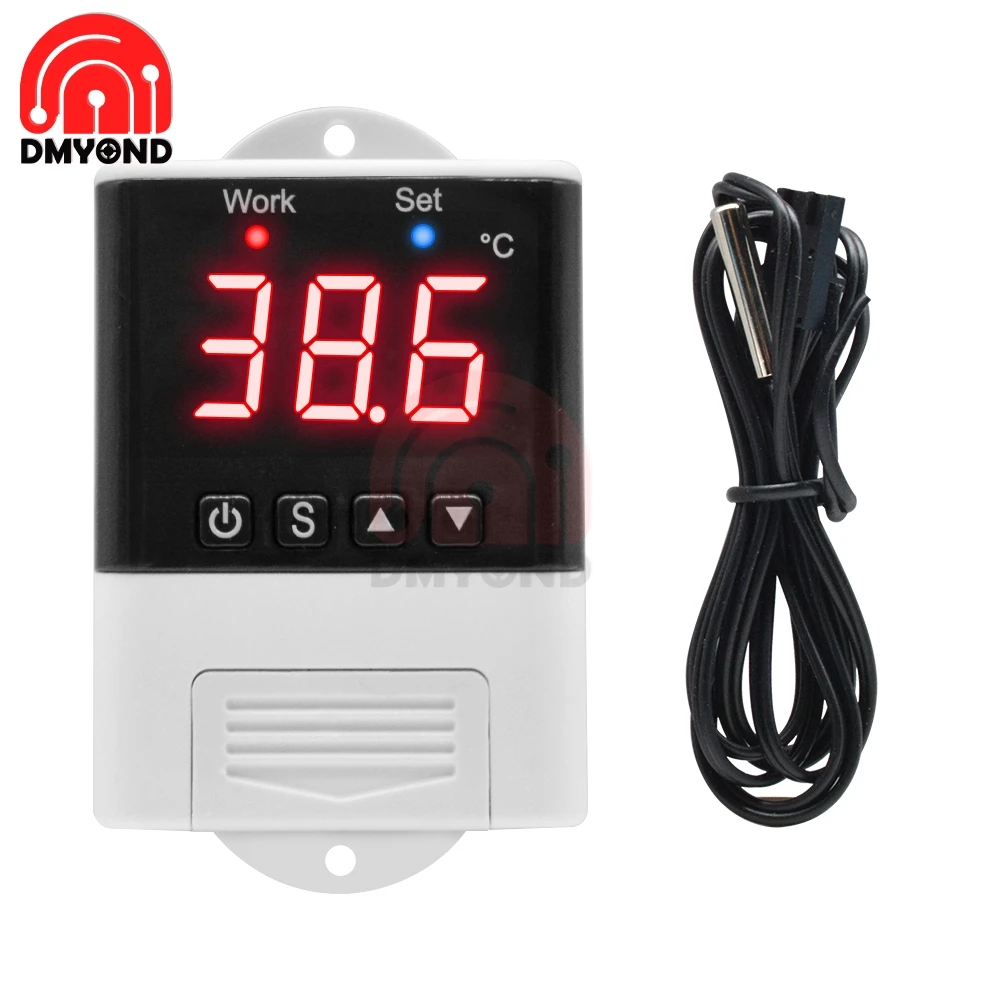
When the thermostat works normally, the digital tube displays the current temperature measurement value.
First set the temperature control working state, heating or cooling.
Heating mode: When the measured temperature ≤ temperature set value-temperature difference set value, the Work indicator lights, the relay normally open contact closes; the Work indicator flashes, indicating that the press is in the delayed protection state; when the measured temperature ≥ temperature setting Value, the Work indicator is off, and the normally open contact of the relay is disconnected.
Refrigeration mode: When the measured temperature ≥ temperature set value + temperature difference set value, the Work indicator lights, the relay normally open contact is closed; the Work indicator flashes, indicating that the press is in the delayed protection state; when the measured temperature ≤ temperature setting Value, the Work indicator is off, and the normally open contact of the relay is disconnected.
System code, reason and action:
Sensor failure alarm: When the temperature probe circuit has a short circuit or open circuit failure, the thermostat activates the probe failure alarm mode and closes all execution states. The digital tube displays "LLL". After the failure is removed, press any key to return to normal working mode.
Over temperature limit alarm: When the temperature measurement exceeds the temperature measurement range, the thermostat starts the over temperature limit fault alarm mode, closes all execution states, the digital tube displays "HHH", when the temperature returns to the normal measurement range, press any key, Return to normal working mode.
Safety rules:
☆ Danger:
1. Strictly distinguish the sensor lead, power cord and output relay interface, not to be connected wrong, and the relay must not be overloaded;
2. All wiring changes must be made with the power disconnected.
☆ Warning:
1. This thermostat is forbidden to be used in water or excessively humid environment. It is prohibited to use in high temperature, strong electromagnetic interference and strong corrosive environment.
☆ Note:
1. The power supply voltage should be consistent with the voltage marked by the thermostat, and ensure the stability of the power supply voltage;
2. To avoid possible interference, it is recommended that the sensor leads should be kept at an appropriate distance from the power line.



 DTC2200
Description:
Power supply voltage: AC110 ~ 230V
Temperature range: -40 ℃ ~ + 99 ℃
Temperature measurement accuracy: ± 1 ℃ (-40 ℃ ~ + 70 ℃)
Sensor line length: 100cm
Thermostat size: 93mm * 56mm * 34mm
Output capacity: cooling (10A / 250VAC) heating (10A / 250VAC)
Parameter setting method:
When the thermostat is working normally, press and hold the key for more than 3 seconds to enter the parameter modification mode, the digital tube displays the code of the first menu item "F1", press or to increase or decrease the code of the menu item, press and hold the key , Short press or key to increase or decrease and display the parameter setting value of the current menu; hold down the key, while long press or key to quickly increase or decrease and display the parameter setting value of the current menu.
At the same time, long-press the and keys to restore the parameters to the factory settings.
Operating instructions:
When the thermostat works normally, press and hold the power button for more than 3 seconds to turn off the thermostat. When the thermostat is off, press and hold the power button for more than 3 seconds to turn on the thermostat.
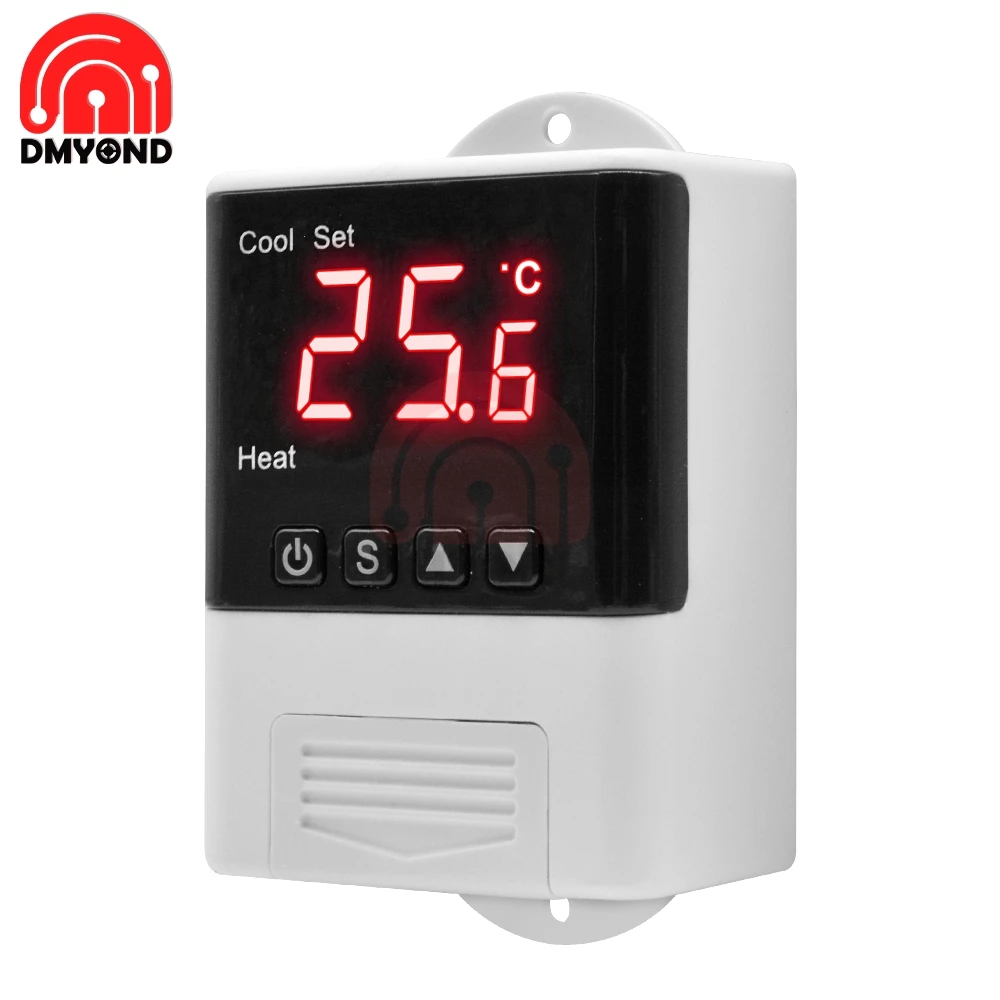
When the thermostat is working normally, the digital tube displays the current temperature measurement value, and performs automatic recognition and conversion of the cooling and heating working mode.
When the measured temperature ≥ temperature set value + temperature difference set value, enter the cooling state, the Cool indicator lights, the refrigeration relay normally open contact is closed; The Cool indicator flashes, indicating that the refrigeration equipment is in the state of delay protection of the press; when the temperature is measured ≤The temperature setting value, the Cool indicator is off, and the normally open contact of the cooling relay is disconnected.
When the measured temperature ≤ temperature set value-temperature difference set value enters the heating state, the Heat indicator lights, the heating relay normally open contact is closed; when the measured temperature ≥ temperature set value, the Heat indicator turns off, the heating relay normally open contact disconnect.
Cool indicator: On: cooling operation; off: cooling off; flashing: press delay
Heat indicator: On: heating work; off: heating off
Set indicator on: parameter setting status
note:Cool and Heat LEDs cannot be on at the same time
Repair system data:
After the thermostat is powered on, first check whether the parameter settings are correct. If an error is detected, "Er" is displayed. At this time, press any key to restore the default parameter settings and work normally. It is recommended to reset the parameters at this time.
System code, reason and action:
Sensor failure alarm: When the temperature probe circuit has a short circuit or open circuit failure, the thermostat activates the probe failure alarm mode and closes all execution states. The digital tube displays "EE". After the failure is removed, press any key to return to the normal working mode.
Over temperature limit alarm: When the temperature measurement exceeds the temperature measurement range, the thermostat activates the over temperature limit fault alarm mode, closes all execution states, the digital tube displays "HH", when the temperature returns to the normal measurement range, press any key, Return to normal working mode.
Safety rules:
☆ Danger:
1. Strictly distinguish the sensor lead, power cord and output relay interface, not to be connected wrong, and the relay must not be overloaded;
2. All wiring changes must be made with the power disconnected.
☆ Warning:
1. This thermostat is forbidden to be used in water or excessively humid environment. It is prohibited to use in high temperature, strong electromagnetic interference and strong corrosive environment.
☆ Note:
1. The power supply voltage should be consistent with the voltage marked by the thermostat, and ensure the stability of the power supply voltage;
2. To avoid possible interference, it is recommended that the sensor leads should be kept at an appropriate distance from the power line.



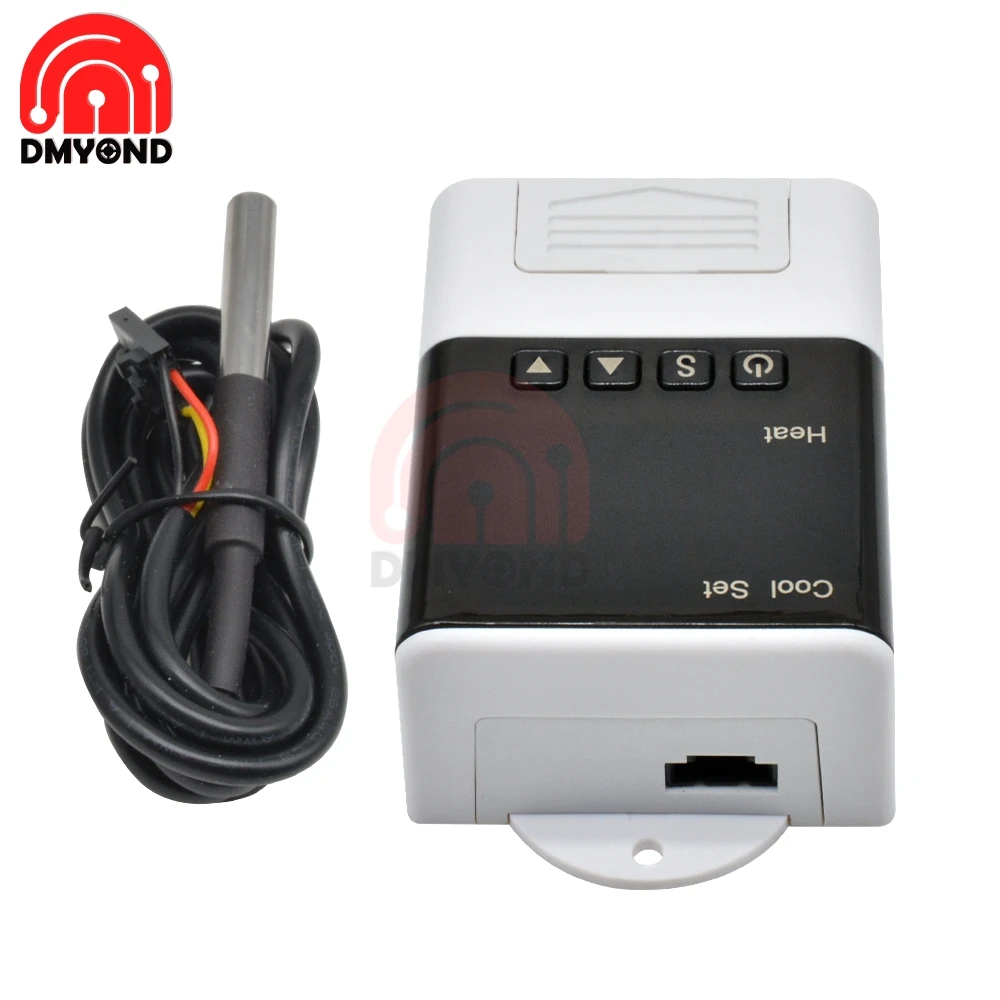
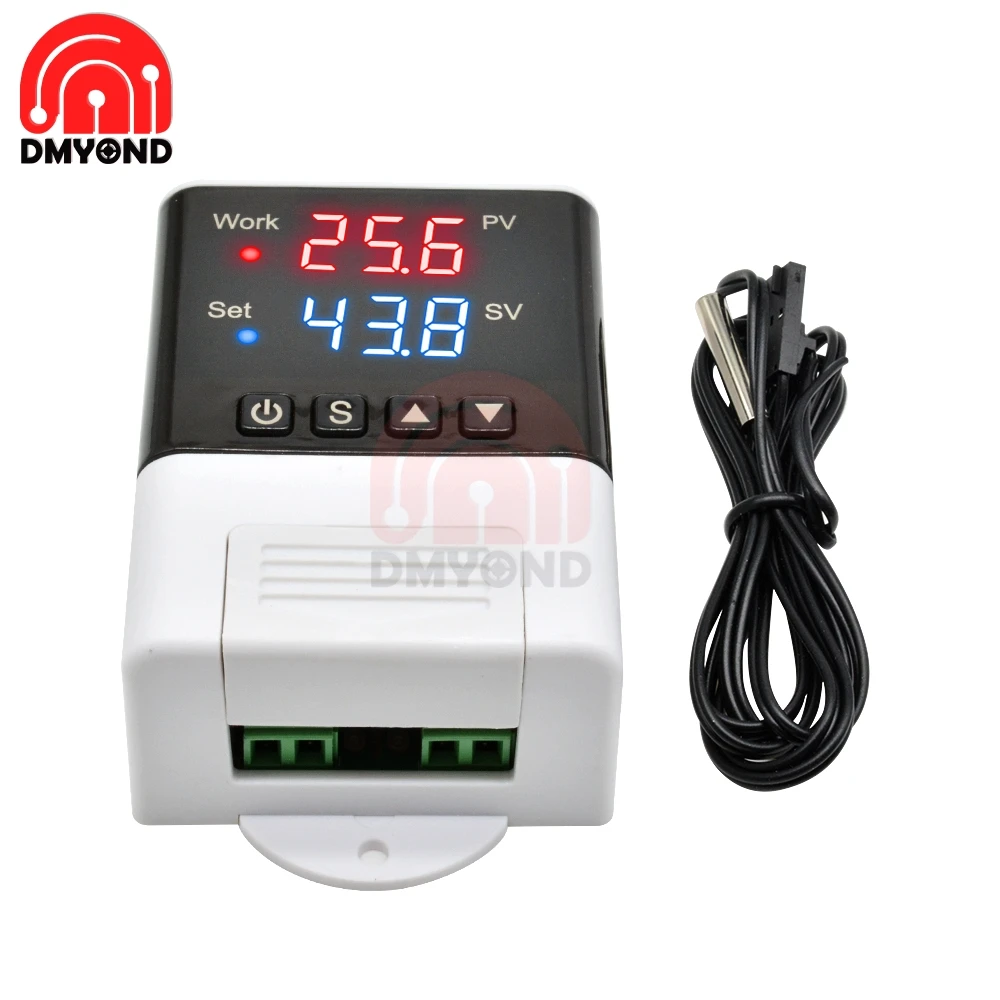
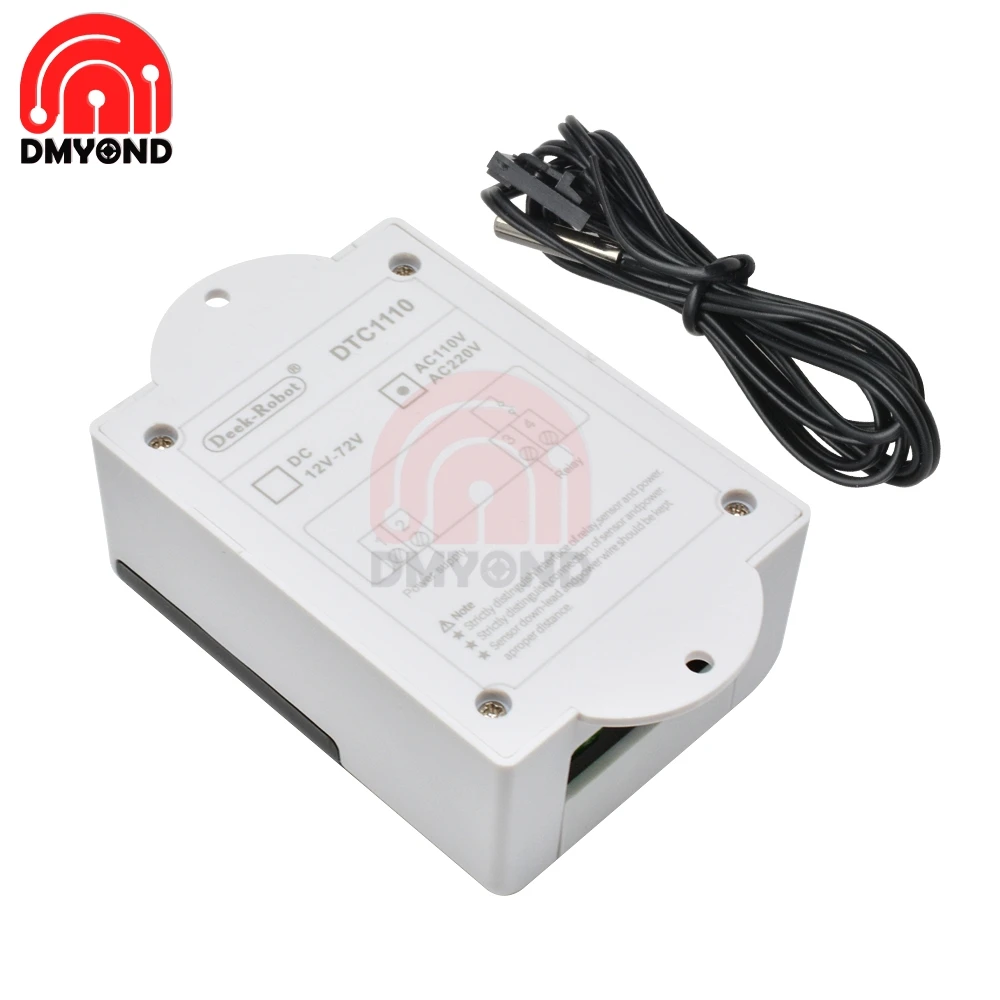
 DTC1110
Description:
Power supply voltage: AC110 ~ 220V
Temperature range: -40 ℃ ~ + 99 ℃
Temperature measurement accuracy: ± 1 ℃ (-40 ℃ ~ + 70 ℃)
Sensor line length: 100cm
Thermostat size: 93mm * 56mm * 34mm
Output capacity: cooling (10A / 250VAC) heating (10A / 250VAC)
Parameter setting method:
When the thermostat works normally, short press the button, the set temperature value flashes, modify the set temperature parameter by either long press or short press; press and hold the key for more than 3 seconds to enter the parameter modification mode, the digital tube displays the first menu item Code "HC", press or key to increase or decrease the code of the menu item, press the key to display the parameter setting value of the current menu, short press or key to increase or decrease and display the parameter setting value of the current menu.
Press and hold the button to restore the parameters to the factory settings.
Operating instructions:
When the thermostat is working normally, press and hold the power button for more than 3 seconds to turn off the thermostat. When the thermostat is off, short press the power button to turn on the thermostat.
When the thermostat works normally, the digital tube displays the current temperature measurement value.
First set the temperature control working state, heating or cooling.
Heating mode: When the measured temperature ≤ temperature set value-temperature difference set value, the Work indicator lights, the relay normally open contact closes; the Work indicator flashes, indicating that the press is in the delayed protection state; when the measured temperature ≥ temperature setting Value, the Work indicator is off, and the normally open contact of the relay is disconnected.
Refrigeration mode: When the measured temperature ≥ temperature set value + temperature difference set value, the Work indicator lights, the relay normally open contact is closed; the Work indicator flashes, indicating that the press is in the delayed protection state; when the measured temperature ≤ temperature setting Value, the Work indicator is off, and the normally open contact of the relay is disconnected.
System code, reason and action:
Sensor failure alarm: When the temperature probe circuit has a short circuit or open circuit failure, the thermostat activates the probe failure alarm mode and closes all execution states. The digital tube displays "LLL". After the failure is removed, press any key to return to normal working mode.
Over temperature limit alarm: When the temperature measurement exceeds the temperature measurement range, the thermostat starts the over temperature limit fault alarm mode, closes all execution states, the digital tube displays "HHH", when the temperature returns to the normal measurement range, press any key, Return to normal working mode.
Safety rules:
☆ Danger:
1. Strictly distinguish the sensor lead, power cord and output relay interface, not to be connected wrong, and the relay must not be overloaded;
2. All wiring changes must be made with the power disconnected.
☆ Warning:
1. This thermostat is forbidden to be used in water or excessively humid environment. It is prohibited to use in high temperature, strong electromagnetic interference and strong corrosive environment.
☆ Note:
1. The power supply voltage should be consistent with the voltage marked by the thermostat, and ensure the stability of the power supply voltage;
2. To avoid possible interference, it is recommended that the sensor leads should be kept at an appropriate distance from the power line.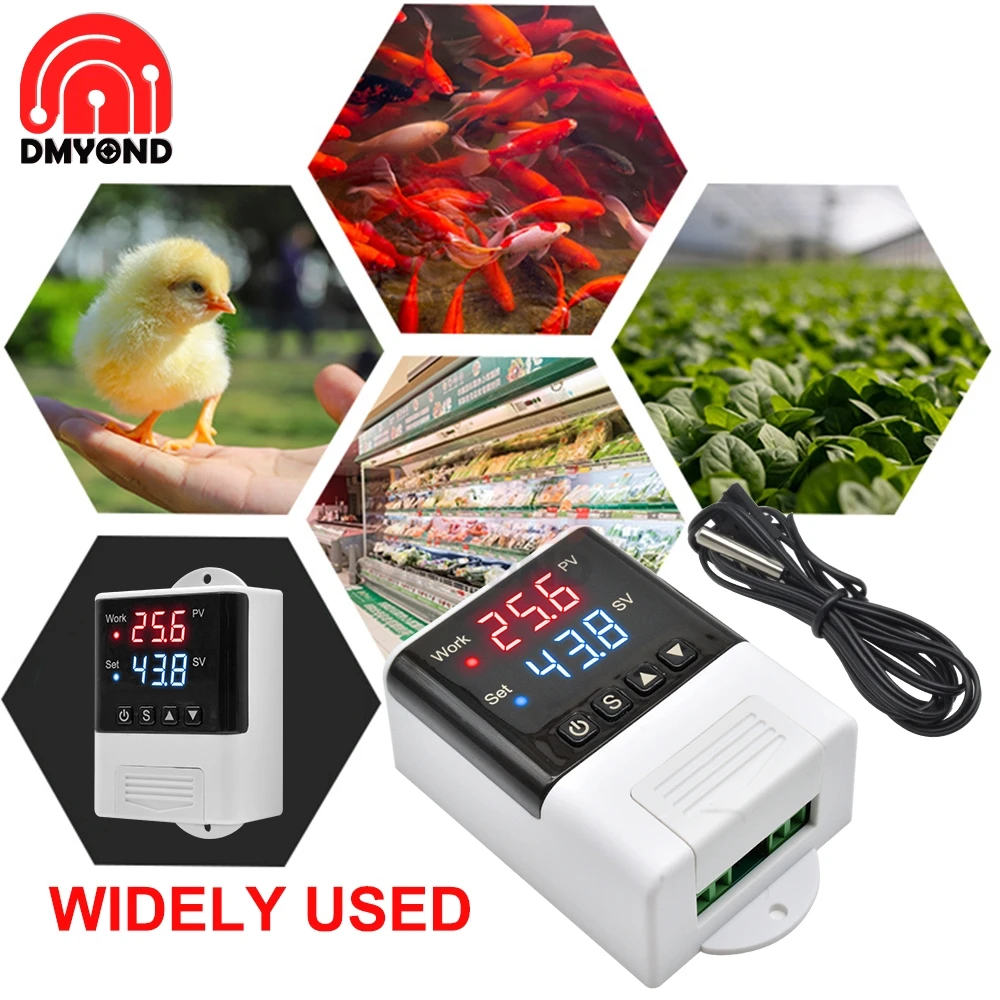
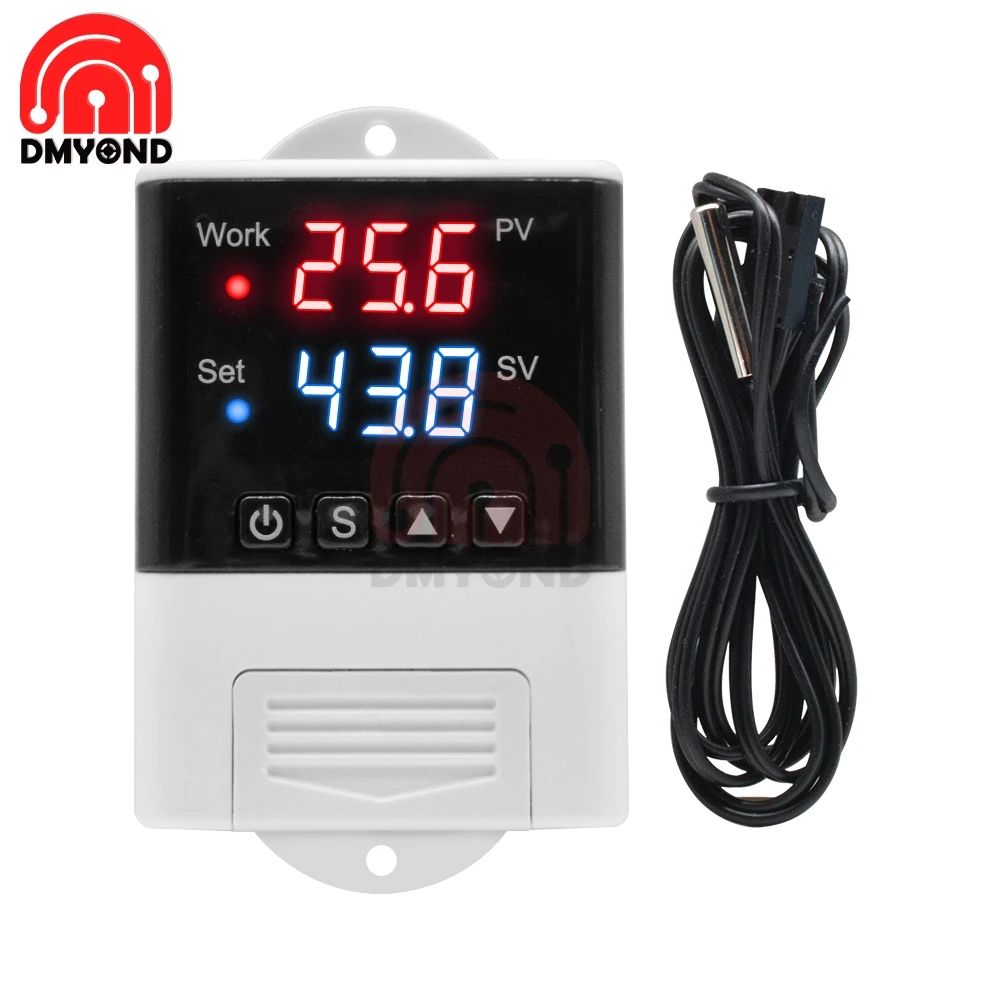
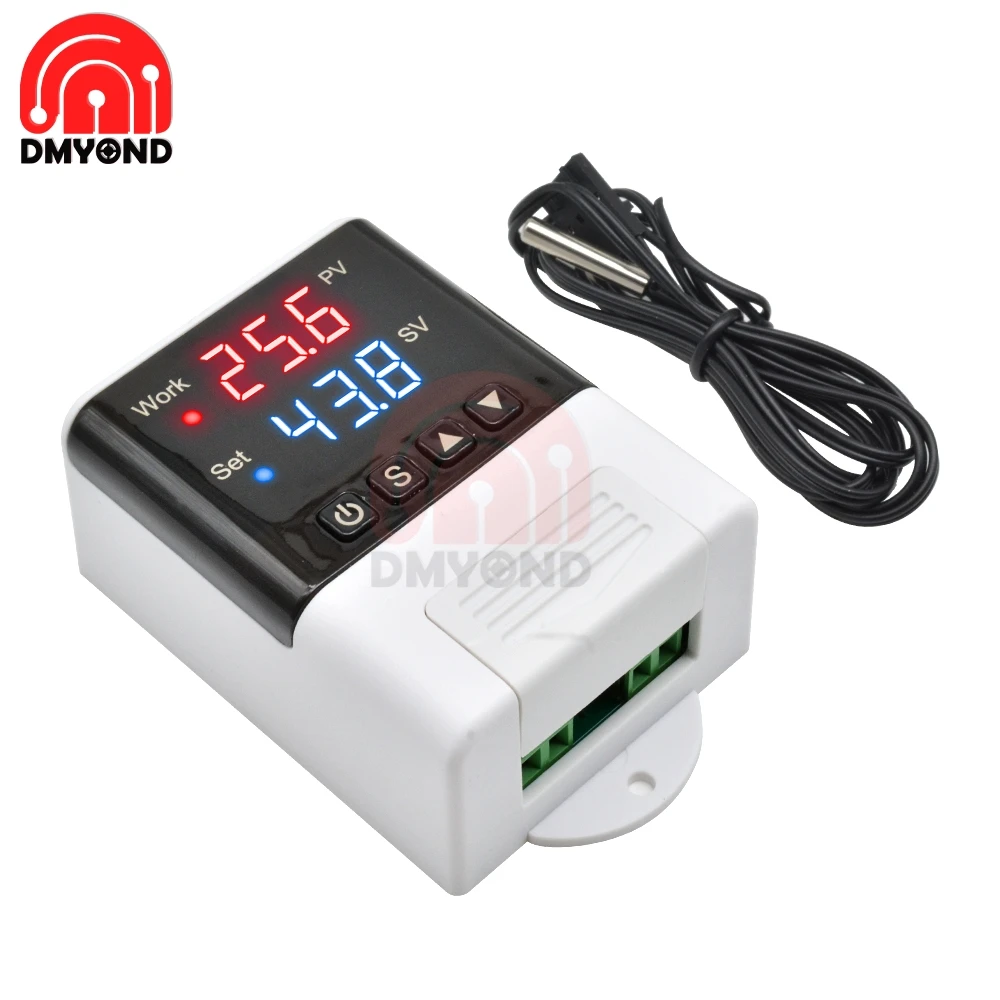
 DTC2210
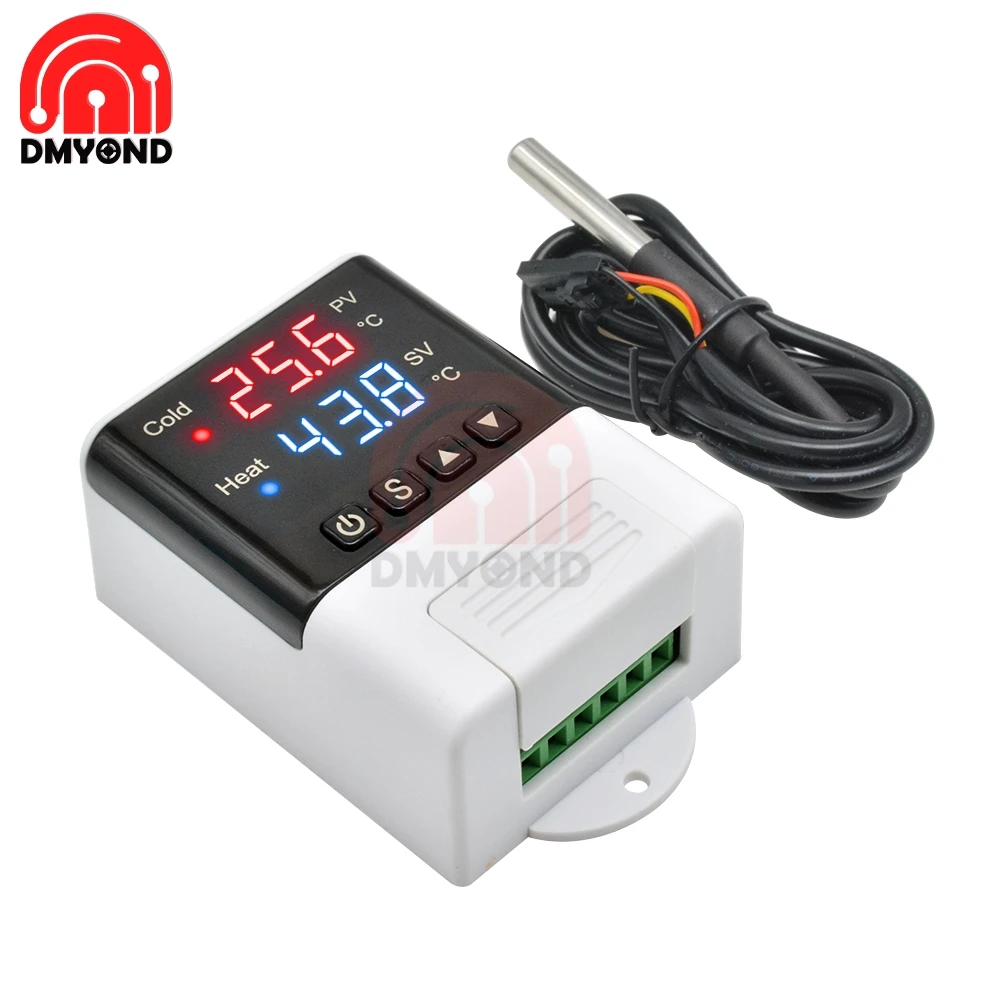
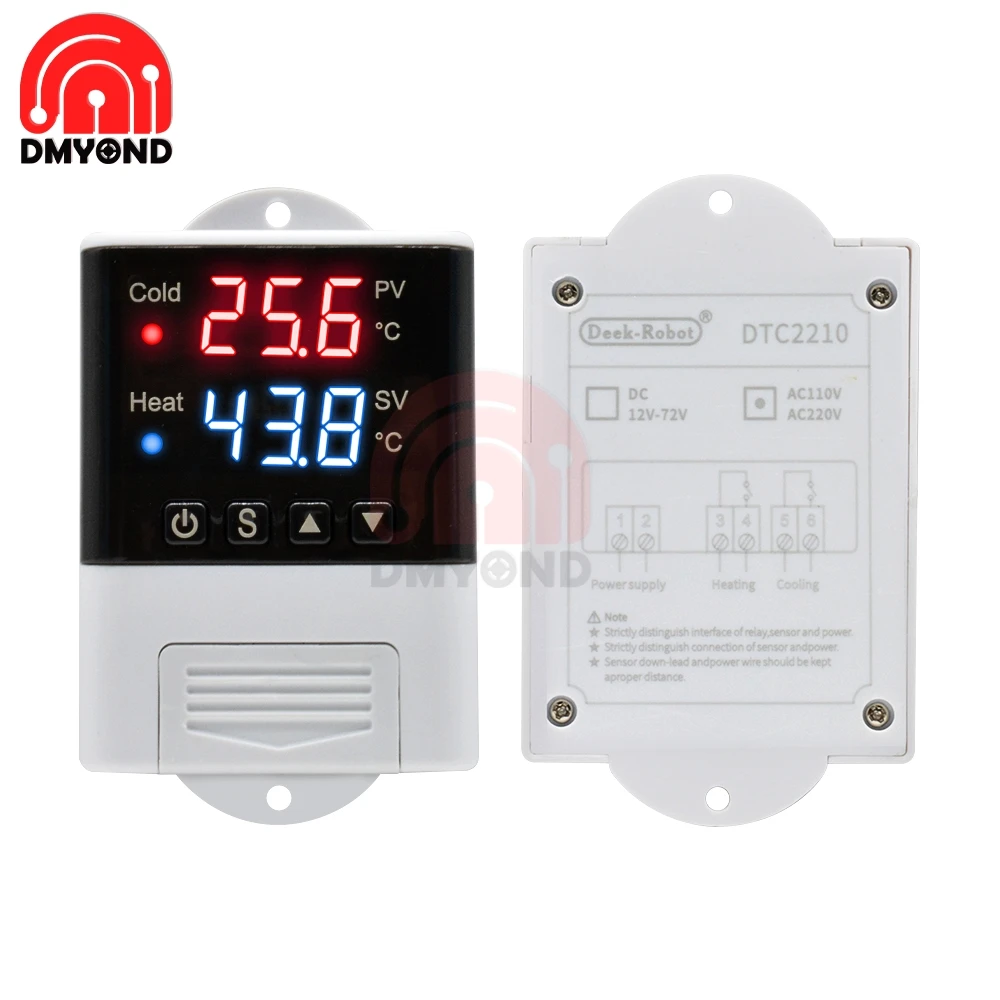
Description:
Power supply voltage: AC110 ~ 230V
Temperature range: -40 ℃ ~ + 99 ℃
Temperature measurement accuracy: ± 1 ℃ (-40 ℃ ~ + 70 ℃)
Sensor line length: 100cm
Thermostat size: 93mm * 56mm * 34mm
Output capacity: cooling (10A / 250VAC) heating (10A / 250VAC)
Parameter setting method:
When the thermostat is working normally, press and hold the key for more than 3 seconds to enter the parameter modification mode, the digital tube displays the code of the first menu item "F1", press or to increase or decrease the code of the menu item, press and hold the key , Short press or key to increase or decrease and display the parameter setting value of the current menu; hold down the key, while long press or key to quickly increase or decrease and display the parameter setting value of the current menu.
At the same time, long-press the and keys to restore the parameters to the factory settings.
Operating instructions:
When the thermostat works normally, press and hold the power button for more than 3 seconds to turn off the thermostat. When the thermostat is off, press and hold the power button for more than 3 seconds to turn on the thermostat.
When the thermostat is working normally, the digital tube displays the current temperature measurement value, and performs automatic recognition and conversion of the cooling and heating working mode.
When the measured temperature ≥ temperature set value + temperature difference set value, enter the cooling state, the Cool indicator lights, the refrigeration relay normally open contact is closed; The Cool indicator flashes, indicating that the refrigeration equipment is in the state of delay protection of the press; when the temperature is measured ≤The temperature setting value, the Cool indicator is off, and the normally open contact of the cooling relay is disconnected.
When the measured temperature ≤ temperature set value-temperature difference set value enters the heating state, the Heat indicator lights, the heating relay normally open contact is closed; when the measured temperature ≥ temperature set value, the Heat indicator turns off, the heating relay normally open contact disconnect.
Cool indicator: On: cooling operation; off: cooling off; flashing: press delay
Heat indicator: On: heating work; off: heating off
note:Cool and Heat LEDs cannot be on at the same time
Repair system data:
After the thermostat is powered on, first check whether the parameter settings are correct. If an error is detected, "Er" is displayed. At this time, press any key to restore the default parameter settings and work normally. It is recommended to reset the parameters at this time.
System code, reason and action:
Sensor failure alarm: When the temperature probe circuit has a short circuit or open circuit failure, the thermostat activates the probe failure alarm mode and closes all execution states. The digital tube displays "EE". After the failure is removed, press any key to return to the normal working mode.
Over temperature limit alarm: When the temperature measurement exceeds the temperature measurement range, the thermostat activates the over temperature limit fault alarm mode, closes all execution states, the digital tube displays "HH", when the temperature returns to the normal measurement range, press any key, Return to normal working mode.
Safety rules:
☆ Danger:
1. Strictly distinguish the sensor lead, power cord and output relay interface, not to be connected wrong, and the relay must not be overloaded;
2. All wiring changes must be made with the power disconnected.
☆ Warning:
1. This thermostat is forbidden to be used in water or excessively humid environment. It is prohibited to use in high temperature, strong electromagnetic interference and strong corrosive environment.
☆ Note:
1. The power supply voltage should be consistent with the voltage marked by the thermostat, and ensure the stability of the power supply voltage;
2. To avoid possible interference, it is recommended that the sensor leads should be kept at an appropriate distance from the power line.




 DTC3200
Description:
Power supply voltage: AC 110 ~ 230V
Power supply frequency: 50 / 60Hz
Temperature measurement range: -20 ~ 60 ℃
Humidity measurement range: 0% ~ 100% RH
Temperature measurement accuracy: 0.3 ℃
Humidity measurement accuracy: 3%
Output control: relay output
Output power: MAX 10A
Setting method: start value stop value (the program automatically determines the working mode to be cooling / dehumidifying mode)
Heating / cooling mode setting
Setting method: setting (starting temperature): long press the ▲ button, the starting temperature flashes, and the starting temperature value is set by the ▲ ▼ button
Setting (stop temperature): long press the ▼ button to stop the temperature flashing, set the stop temperature value by ▲ ▼ button
Heating use case: control the water heater, heating to 65 ℃ to stop, the temperature drops to 50 ℃ to start heating again
The first step: heating working mode, start temperature stop temperature
Step 2: Press and hold the ▲ button, the starting temperature flashes, and set the starting temperature to 30 ℃ via the ▲ ▼ button
Step 3: Press and hold the ▼ button to stop the temperature flashing, and set the stop temperature to 26 ° C with the ▲ ▼ button. The setting is complete!
Humidification / dehumidification mode settings:
Setting (Start Humidity): Long press the △ key, the start humidity value flashes, set the start humidity value by the △ ▽ key. Set [Stop Humidity]: Long press the △ key, stop the humidity value flashing, and set the stop humidity by the △ ▽ key value.
Examples of humidification: Fresh supermarket humidification, control humidifier 50% RH to start humidification, humidification to 80% RH to stop humidification.
Setup steps:
Step 1: Press and hold the △ key for 3 seconds to start the humidity value flashing, and set the start humidity value to 50% RH.
Step 2: Press and hold the ▽ key for 3 seconds to stop the humidity value flashing, set the value to 80% RH, the setting is completed, press the button for 5 seconds without operation, and automatically return to the normal display state
Dehumidification example: workshop control exhaust dehumidification system, humidity 70% RH starts dehumidification, humidity 40% RH stops dehumidification
Setup steps:
Step 1: Press and hold the △ key for 3 seconds to start the humidity value flashing, and set the start humidity value to 40% RH.
Step 2: Press and hold the ▽ key for 3 seconds to stop the humidity value from flashing, set the value to 70% RH, the setting is completed, press the button for 5 seconds without operation, and automatically return to the normal display state
Temperature correction:
Simultaneously press the ▲ ▼ key for 3 seconds to start the temperature digit flashing, and use the ▲ ▼ key to set the start temperature correction value; after the setting is completed, press the button for 5 seconds without operation, and automatically return to the normal display state.
Humidity correction:
Simultaneously press the △ ▽ key for 3 seconds to start the humidity digit flashing, and set the humidity correction value by the △ ▽ key; after the setting is completed, press the button for 5 seconds without operation, and it will automatically return to the normal display state.


DTC1201 DTC2201 thermostat
DTC1201 (2201) thermostat
Product name: Thermostat
Product model: DTC1201 (2201)
Power supply voltage: AC110 ~ 230V
Temperature range: -40 ℃ ~ + 99 ℃
Temperature measurement accuracy: ± 1 ℃ (-40 ℃ ~ + 70 ℃)
Sensor line length: 100cm
Thermostat size: 93mm * 56mm * 34mm
Output capacity: cooling (10A / 250VAC) heating (10A / 250VAC)
arameter setting method
When the thermostat is working normally, press and hold the s key for more than 3 seconds to enter the parameter modification mode, the "Set" indicator lights, the digital tube displays the code of the first menu item "F1", press the or key to increase or decrease the menu item Code, press the key to display the parameter setting value of the current menu, press and hold the key, then press or key to increase or decrease and display the parameter setting value of the current menu; press and hold the key, at the same time long press or key to quickly Increase or decrease and display the parameter setting value of the current menu.
Long press and keys at the same time, and then power on, the parameters will be restored to the factory settings.
Operating instructions
When the thermostat works normally, press and hold the power button for more than 3 seconds to turn off the thermostat. When the thermostat is off, press and hold the power button for more than 3 seconds to turn on the thermostat.
When the thermostat is working normally, the digital tube displays the current temperature measurement value, and performs automatic recognition and conversion of the cooling and heating working mode.
When the measured temperature ≥ temperature set value + temperature difference set value, enter the cooling state, the Cool indicator lights, the refrigeration relay normally open contact is closed; The Cool indicator flashes, indicating that the refrigeration equipment is in the state of delay protection of the press; when the temperature is measured ≤Temperature setting value, the Cool indicator is off, and the normally open contact of the cooling relay is disconnected.
When the measured temperature ≤ temperature set value-temperature difference set value enters the heating state, the Heat indicator lights, the heating relay normally open contact is closed; when the measured temperature ≥ temperature set value, the Heat indicator turns off, the heating relay normally open contact disconnect.
Menu function description
1. Temperature setting (ambient temperature required by the user): the user can make adjustments on the thermostat or APP, the adjustment range is -40 to 99.9 degrees Celsius;
2. Temperature difference setting: set the difference between the heating and cooling target temperature when working at a constant temperature; for example, the target temperature is 40 degrees, the temperature difference is set at 2 degrees, stop heating after heating to 40 degrees, and enter the constant temperature mode After the temperature drops to 38 degrees, re-enter the heating mode, this value differs by 2 degrees, this value can be adjusted by the host or APP, the adjustment range is 0 to 10 degrees Celsius;
3. Compressor delay: This function is generally used for compressor refrigeration. If the temperature controller is used for refrigerator freezer, this value must be set. The general setting value is 3-6 minutes according to the back pressure of the compressor. APP to adjust, the adjustment range is 0 to 10 minutes;
4. Temperature correction: used to correct the temperature value currently detected by the thermostat, the correction range is 0 to 10 degrees Celsius;
Distribution instructions
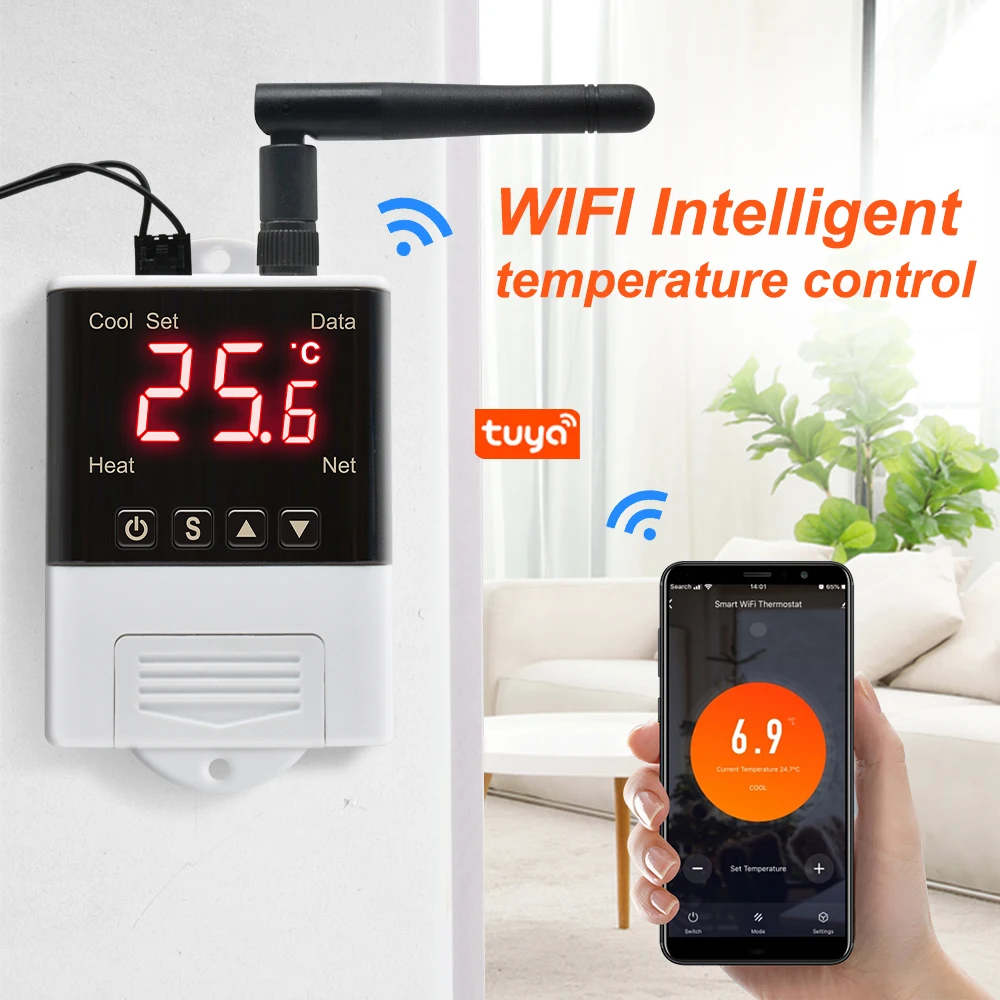
1. Please download the "Tuya Smart" APP in the application store, and register to log in.
2. Click Add Device.
3. Power on the device first, then power off after 10 seconds, and then power on.
4. Long press and at the same time, after 5 seconds, the configuration indicator flashes once every 2 seconds, then press the mobile APP to confirm the configuration.
5. Wait for successful network configuration
Repair system data
After the thermostat is powered on, first check whether the parameter settings are correct. If an error is detected, "Er" is displayed. At this time, pressing any key will restore the default parameter settings and work normally. It is recommended to reset the parameters at this time.
System code, reason and action
Sensor failure alarm: When the temperature probe circuit has a short circuit or open circuit failure, the thermostat activates the probe failure alarm mode and closes all execution states. The digital tube displays "EE". After the failure is removed, press any key to return to the normal working mode.
Over-temperature limit alarm: When the temperature measurement exceeds the temperature measurement range, the thermostat activates the over-temperature limit fault alarm mode, closes all execution states, the digital tube displays "HH", when the temperature returns to the normal measurement range, press any key, Return to normal working mode. (18b20)
Safety rules
☆ Danger:
1. Strictly distinguish the sensor lead, power cord and output relay interface, not to be connected wrong, and the relay must not be overloaded;
2. All wiring changes must be made with the power disconnected.
☆ Warning:
1. This thermostat is forbidden to be used in water or excessively humid environment, and is prohibited to be used in high temperature, strong electromagnetic interference and strong corrosive environment.
☆ Note:
1. The power supply voltage should be consistent with the voltage marked by the thermostat, and ensure the stability of the power supply voltage;
2. To avoid possible interference, it is recommended that the sensor leads be kept at an appropriate distance from the power line.